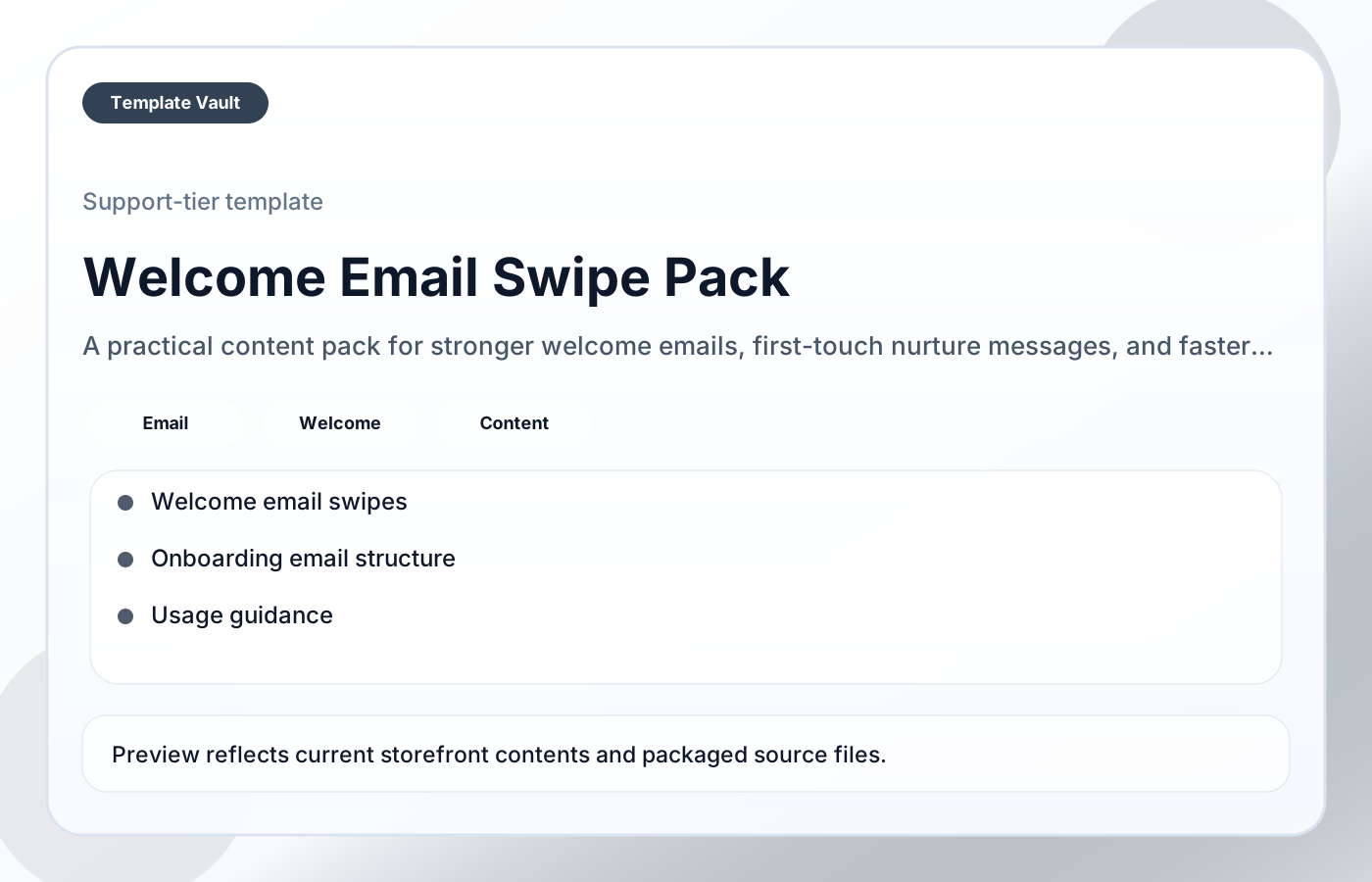
Preview 1: layout and workflow structure
Welcome Email Swipe Pack helps creators, founders, and service businesses write clearer first-touch emails that orient new subscribers, build trust, and move people toward the next useful step. It is designed to make the first sequence feel more specific, useful, and momentum-building instead of generic.
Preview assets show the structure, sections, and working style of the template before you request access.
Preview 1: layout and workflow structure
creators, founders, service businesses
Ship clearer campaign, update, announcement, or educational content without writing every piece from scratch.
Keep tone, structure, and calls to action consistent across repeated content workflows.
Adapt Welcome Email Swipe Pack to fit your offer, audience, project rhythm, and preferred operating style.
Pair it with related vault assets when the workflow needs more than one template.
Step 1
Open the asset and review the included files or structure.
Step 2
Duplicate, edit, or customize it to fit your workflow.
Step 3
Deploy it immediately and refine it as you use it.
Request Template Vault access to get this asset and the rest of the member library.
Request access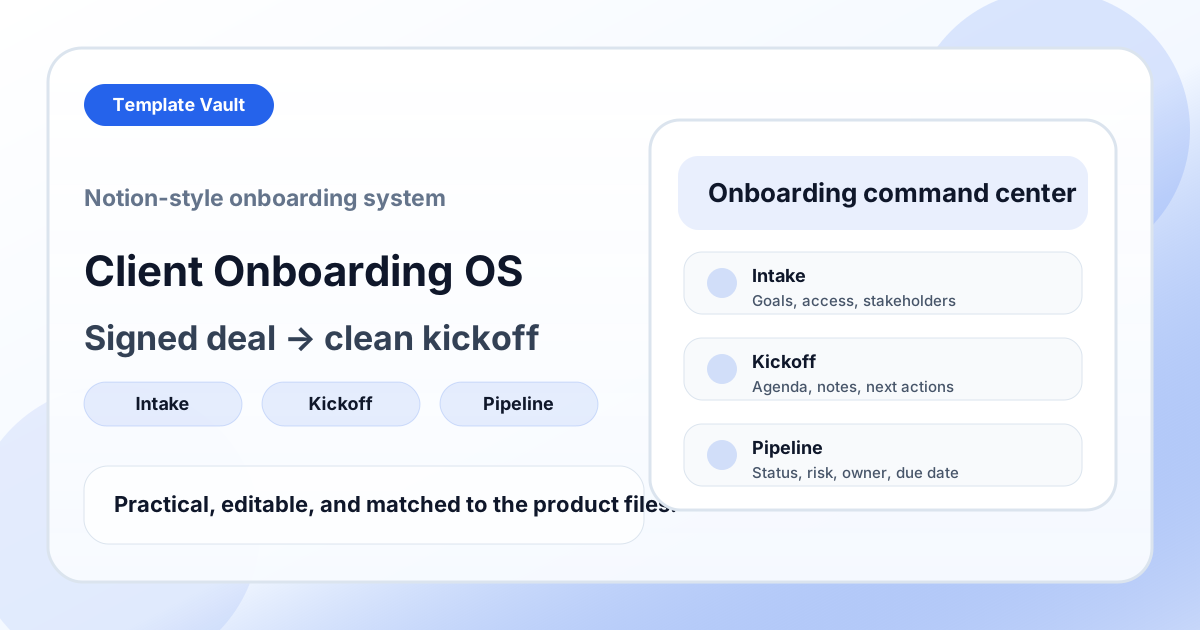
Notion Systems
A Notion-style onboarding system for moving new clients from signed deal to kickoff, delivery handoff, and onboarding completion.
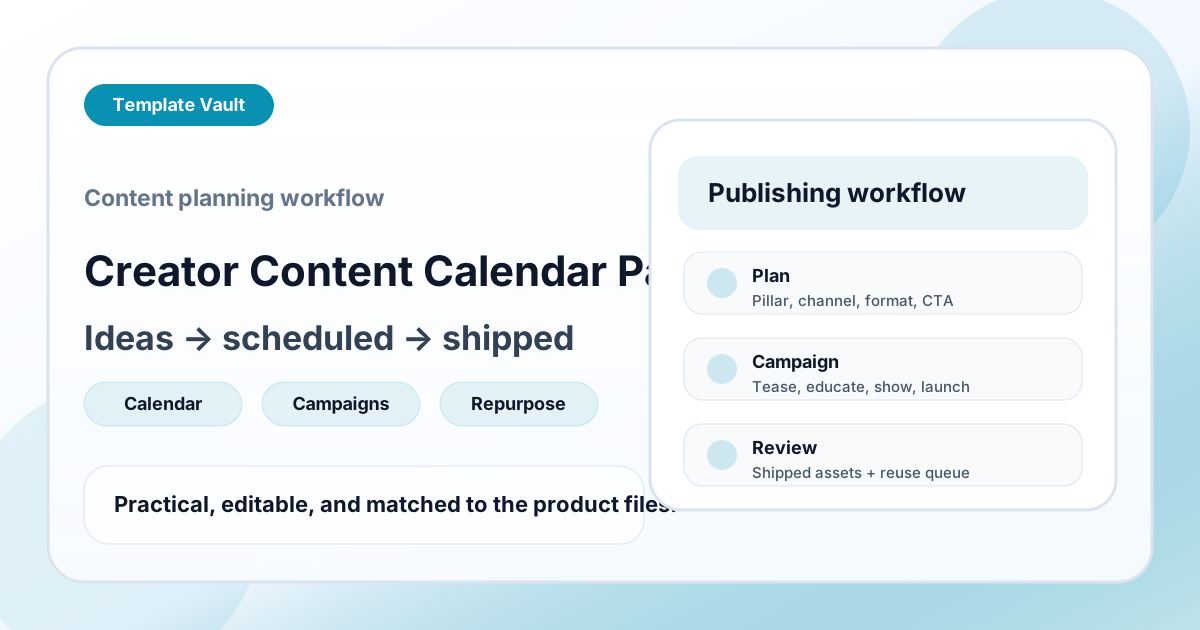
Content Packs
A content planning workflow for turning raw ideas into scheduled posts, campaign assets, and reusable follow-up formats.