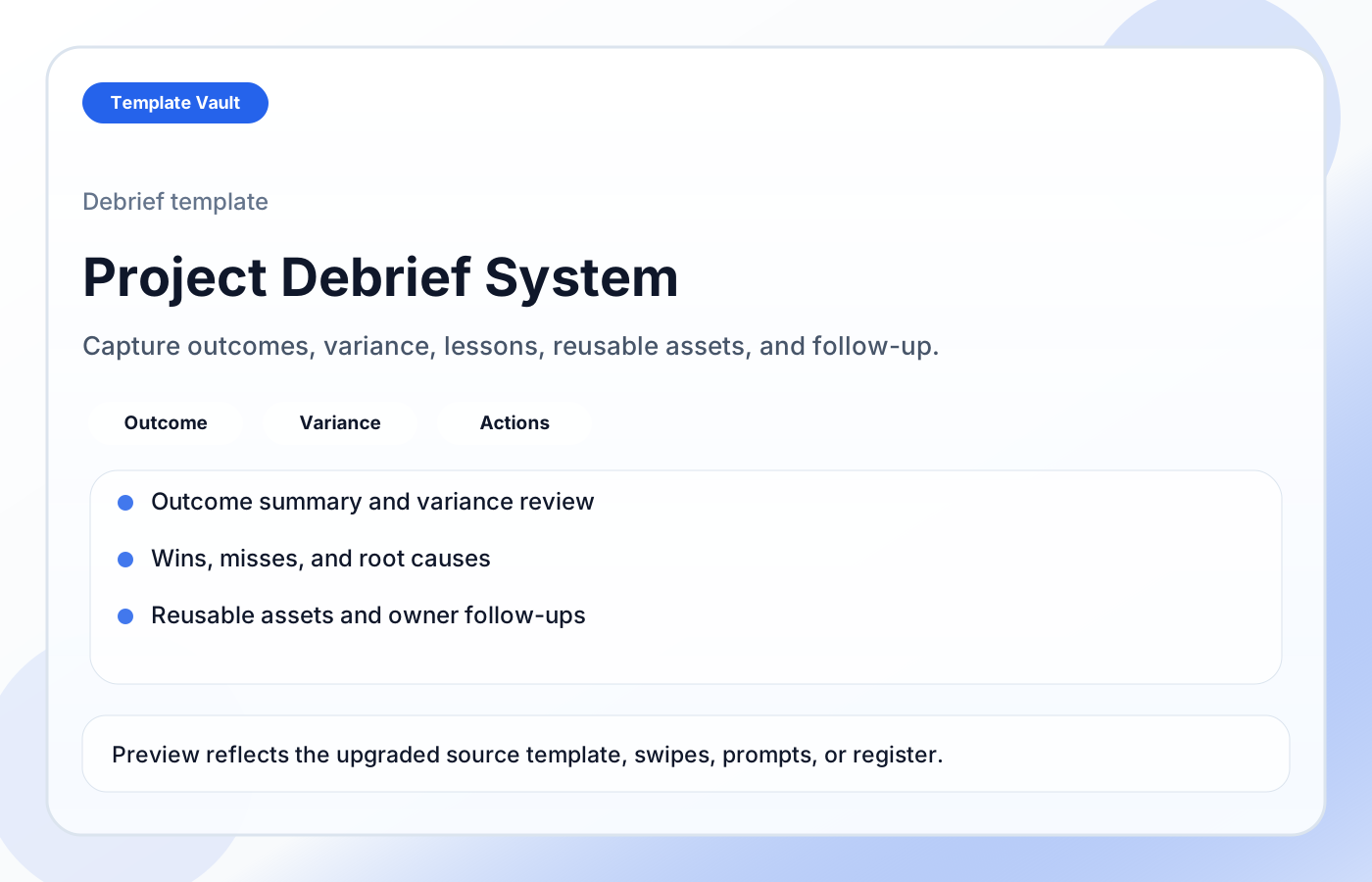
Preview 1: layout and workflow structure
Project Debrief System helps teams turn finished projects into usable learning instead of vague retrospective notes. It includes a project debrief template, outcome summary, timeline and scope variance review, wins and misses, root cause and prevention fields, reusable asset capture, follow-up actions, and debrief facilitation guidance.
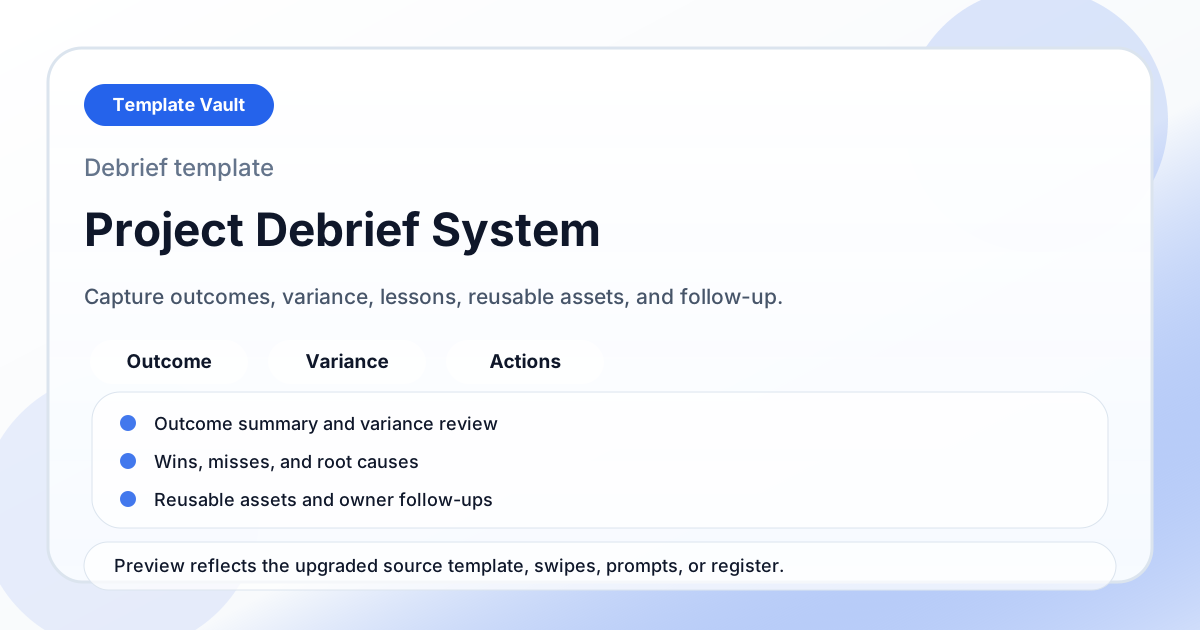
Preview assets show the structure, sections, and working style of the template before you request access.
Preview 1: layout and workflow structure
founders, agencies, operators
Turn a repeated operating workflow into one shared workspace instead of scattered documents.
Give clients, teammates, or collaborators a clearer source of truth for status, next steps, and decisions.
Adapt Project Debrief System to fit your offer, audience, project rhythm, and preferred operating style.
Pair it with related vault assets when the workflow needs more than one template.
Step 1
Open the asset and review the included files or structure.
Step 2
Duplicate, edit, or customize it to fit your workflow.
Step 3
Deploy it immediately and refine it as you use it.
Request Template Vault access to get this asset and the rest of the member library.
Request access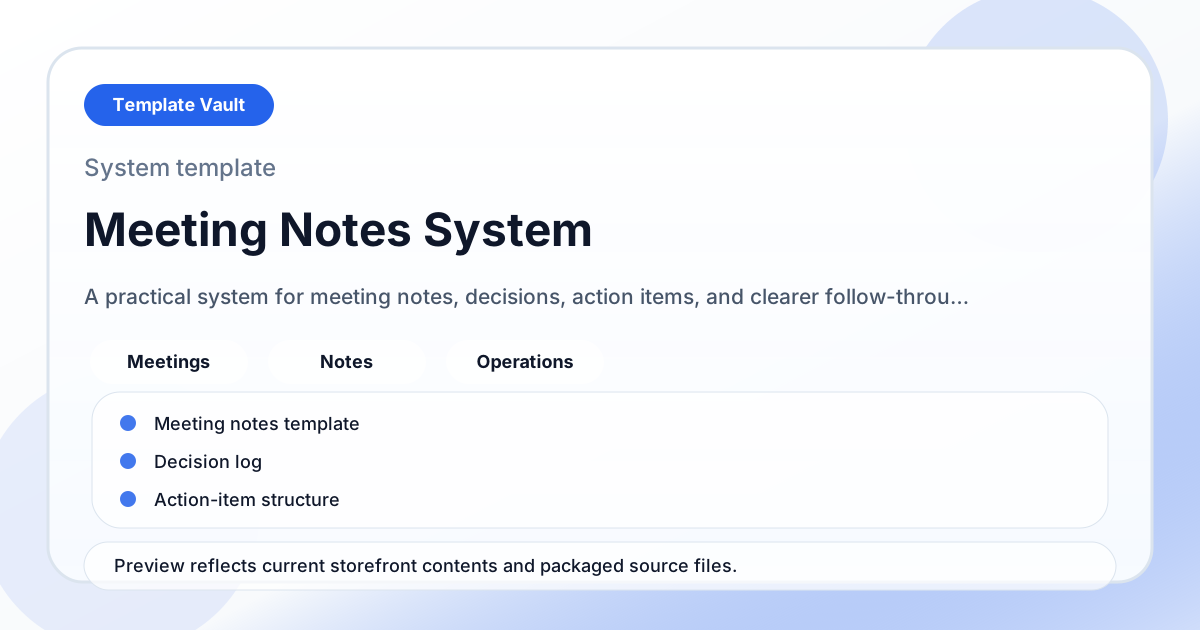
Notion Systems
A practical system for meeting notes, decisions, action items, and clearer follow-through after the conversation ends.
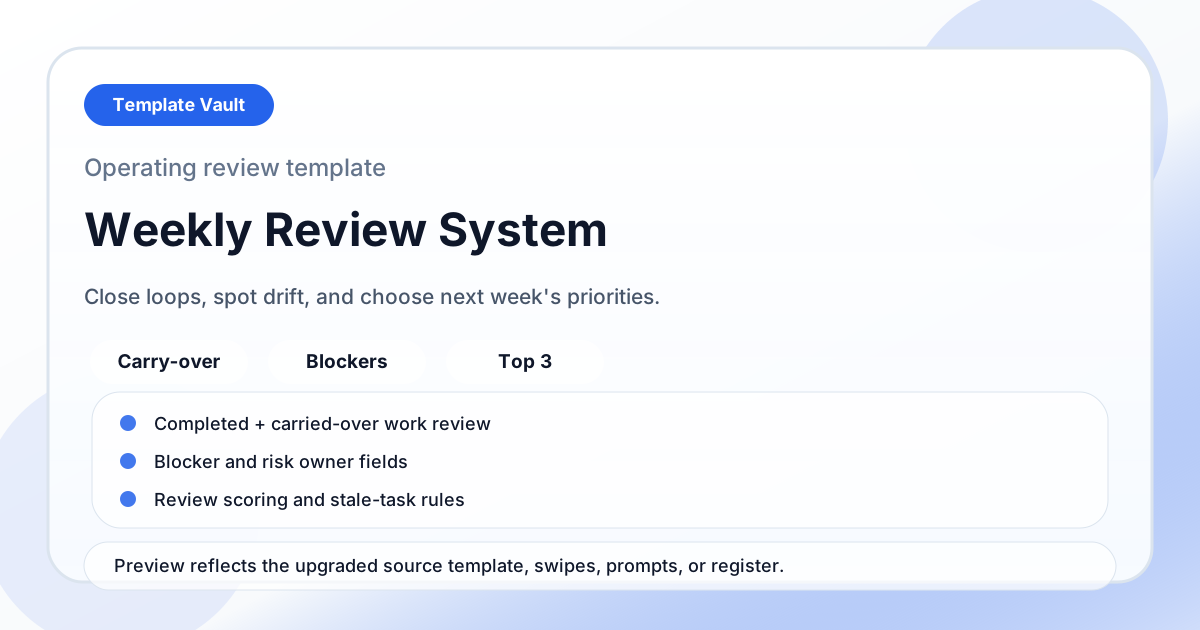
Notion Systems
A weekly review system for closing loops, spotting drift, reviewing blockers, and choosing next week’s priorities.