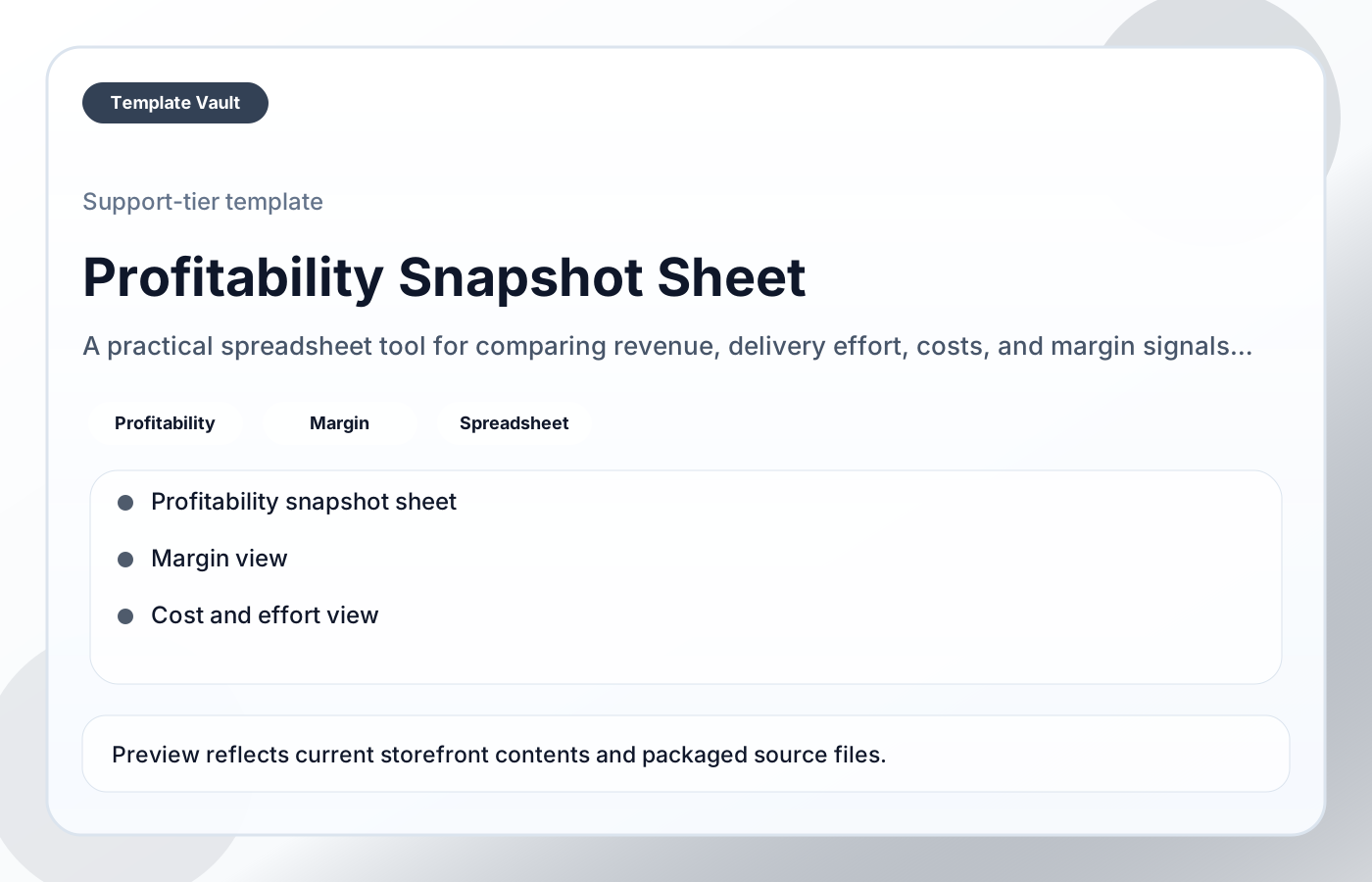
Preview 1: layout and workflow structure
Profitability Snapshot Sheet helps freelancers, agencies, and operators understand which work is actually paying off once delivery effort and costs are considered. It is built to make margin signals easier to judge so pricing, client mix, and workload decisions become less guesswork-driven.
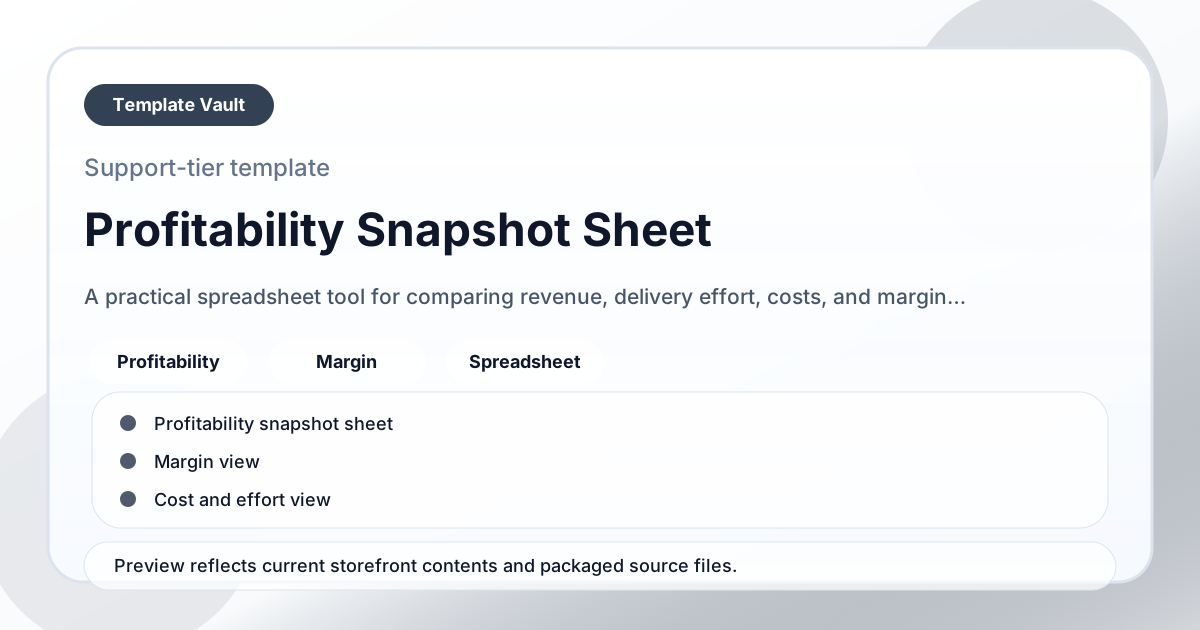
Preview assets show the structure, sections, and working style of the template before you request access.
Preview 1: layout and workflow structure
freelancers, agencies, operators
Model numbers, capacity, priorities, or project risk in a simple working sheet before decisions get emotional.
Use the views as a lightweight operating dashboard during weekly reviews or planning calls.
Adapt Profitability Snapshot Sheet to fit your offer, audience, project rhythm, and preferred operating style.
Pair it with related vault assets when the workflow needs more than one template.
Step 1
Open the asset and review the included files or structure.
Step 2
Duplicate, edit, or customize it to fit your workflow.
Step 3
Deploy it immediately and refine it as you use it.
Request Template Vault access to get this asset and the rest of the member library.
Request access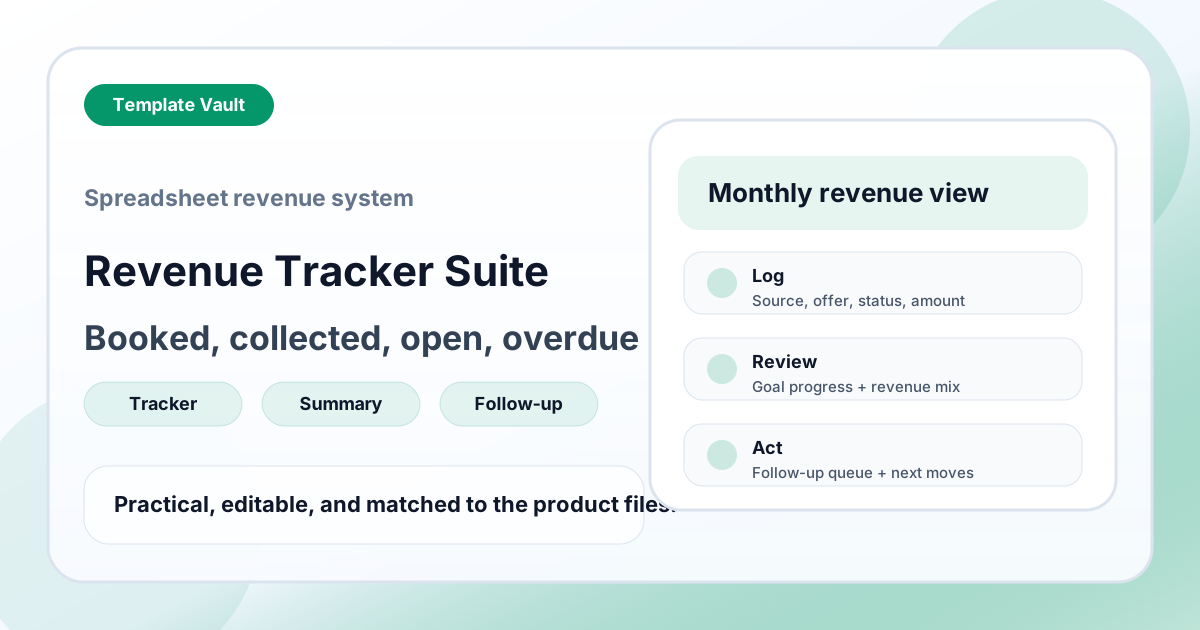
Spreadsheet Tools
A spreadsheet-style revenue tracking suite for booked, collected, open, and overdue income visibility.
Spreadsheet Tools
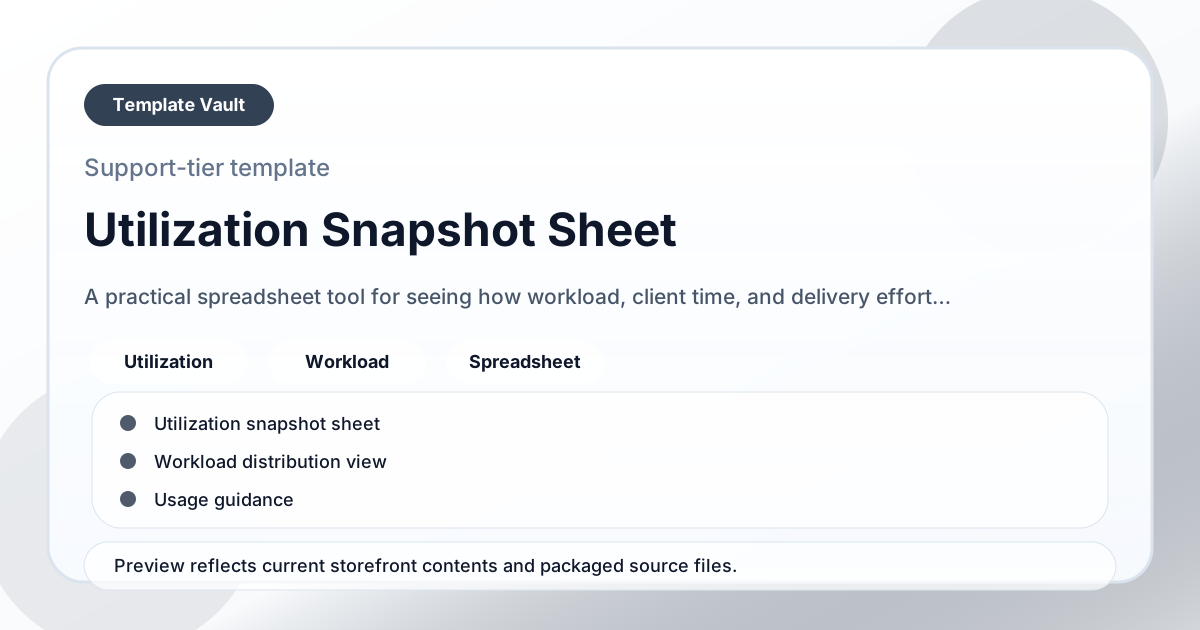
A practical spreadsheet tool for seeing how workload, client time, and delivery effort are actually distributed across the period.