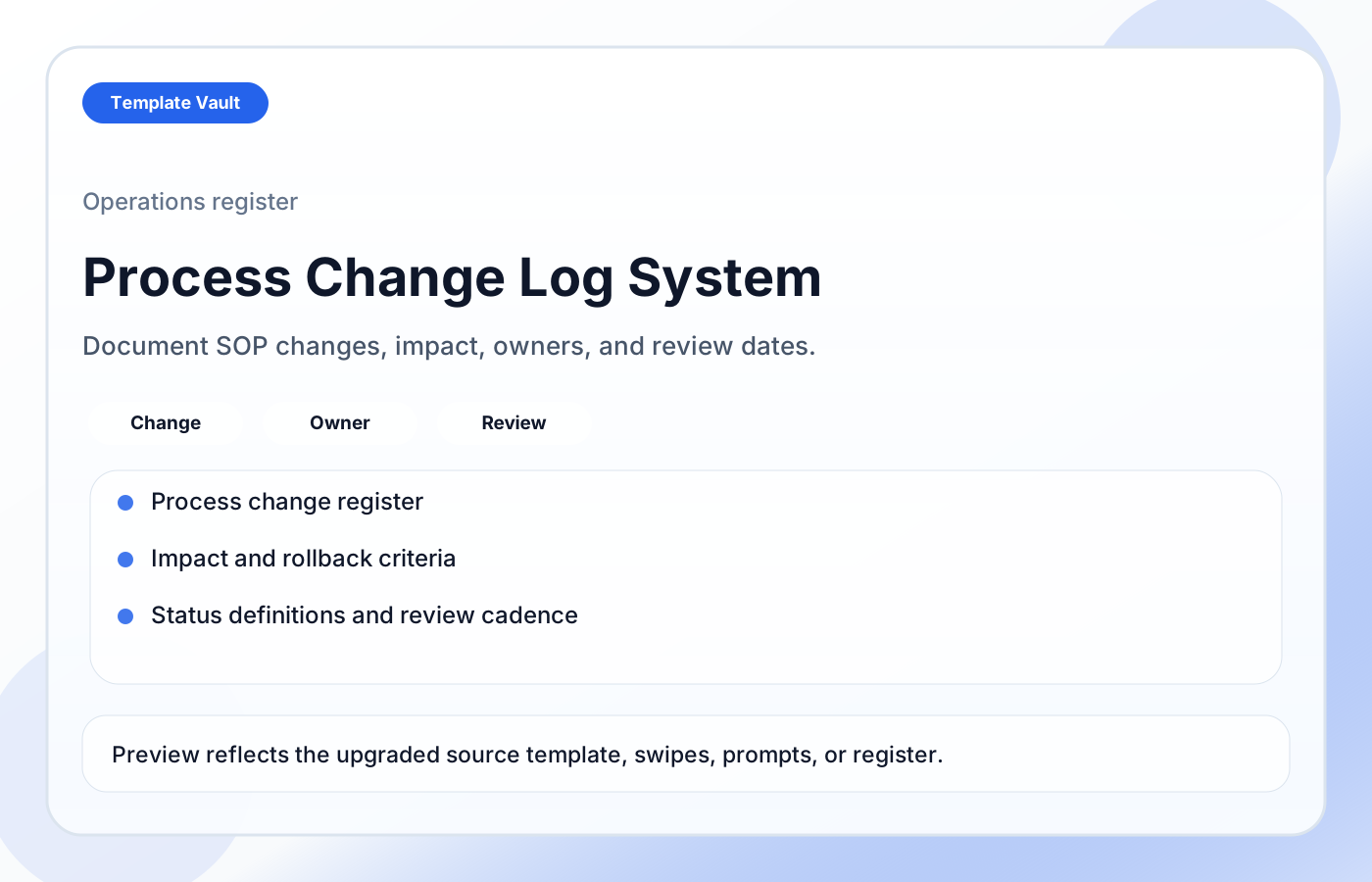
Preview 1: layout and workflow structure
Process Change Log System helps teams document operational changes so future work does not depend on memory or scattered chat threads. It includes a change register, detailed change notes, affected workflow fields, impact and rollback criteria, follow-up actions, status definitions, and change review guidance.
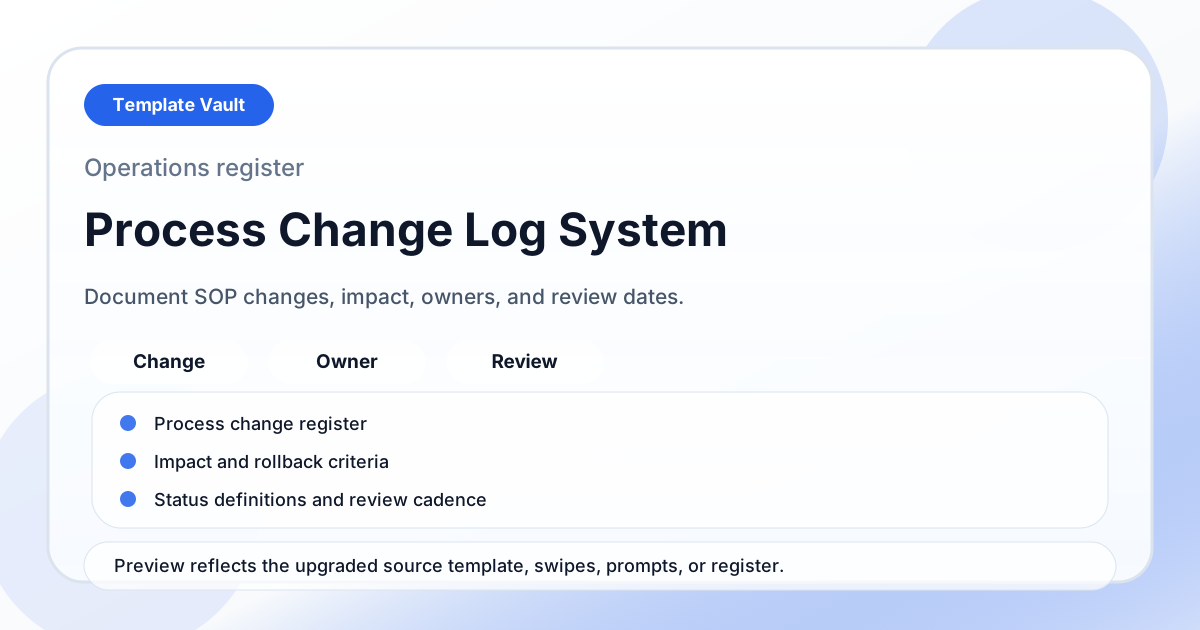
Preview assets show the structure, sections, and working style of the template before you request access.
Preview 1: layout and workflow structure
founders, operators, small teams
Turn a repeated operating workflow into one shared workspace instead of scattered documents.
Give clients, teammates, or collaborators a clearer source of truth for status, next steps, and decisions.
Adapt Process Change Log System to fit your offer, audience, project rhythm, and preferred operating style.
Pair it with related vault assets when the workflow needs more than one template.
Step 1
Open the asset and review the included files or structure.
Step 2
Duplicate, edit, or customize it to fit your workflow.
Step 3
Deploy it immediately and refine it as you use it.
Request Template Vault access to get this asset and the rest of the member library.
Request access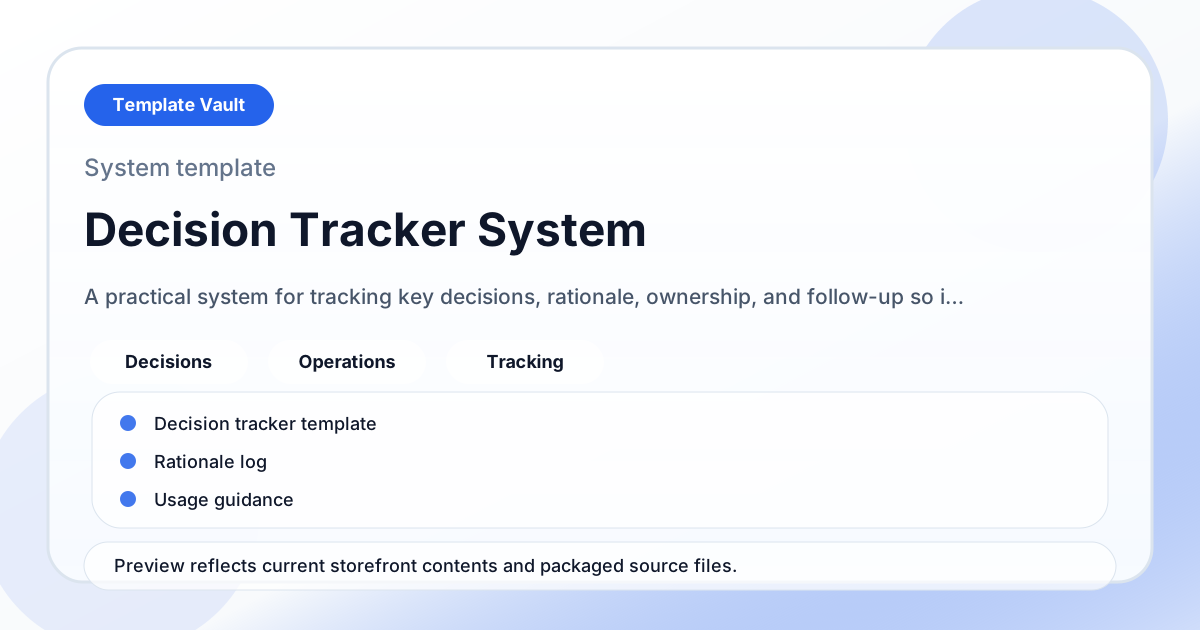
Notion Systems
A practical system for tracking key decisions, rationale, ownership, and follow-up so important choices do not disappear.
Notion Systems
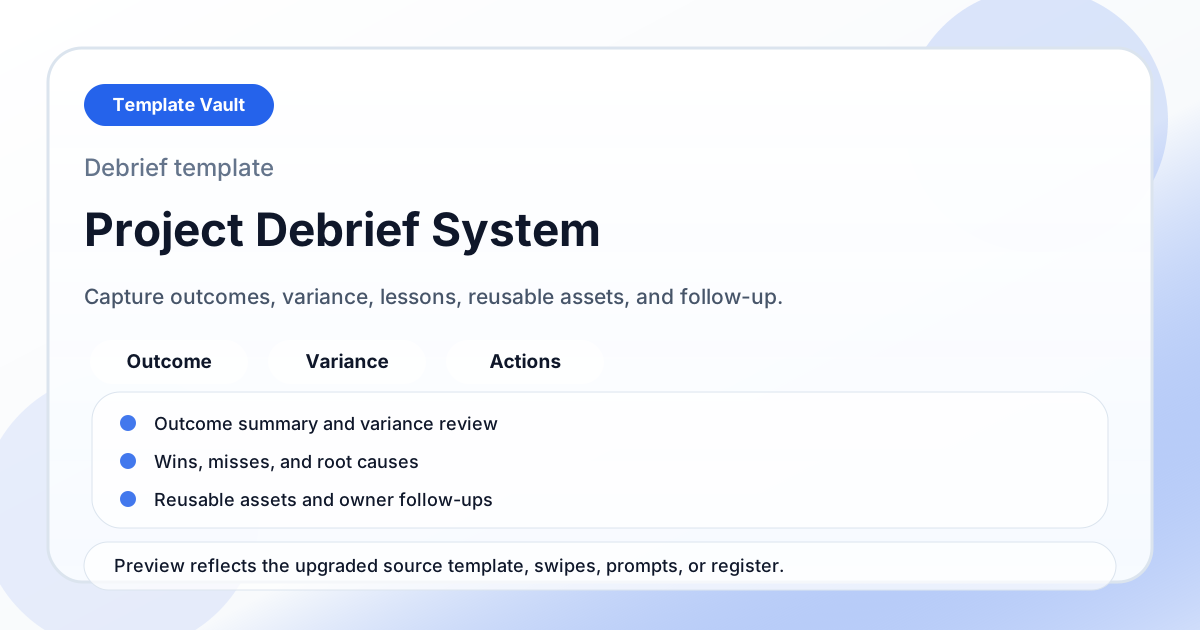
A project debrief system for capturing outcomes, timeline variance, lessons, reusable assets, and follow-up actions.