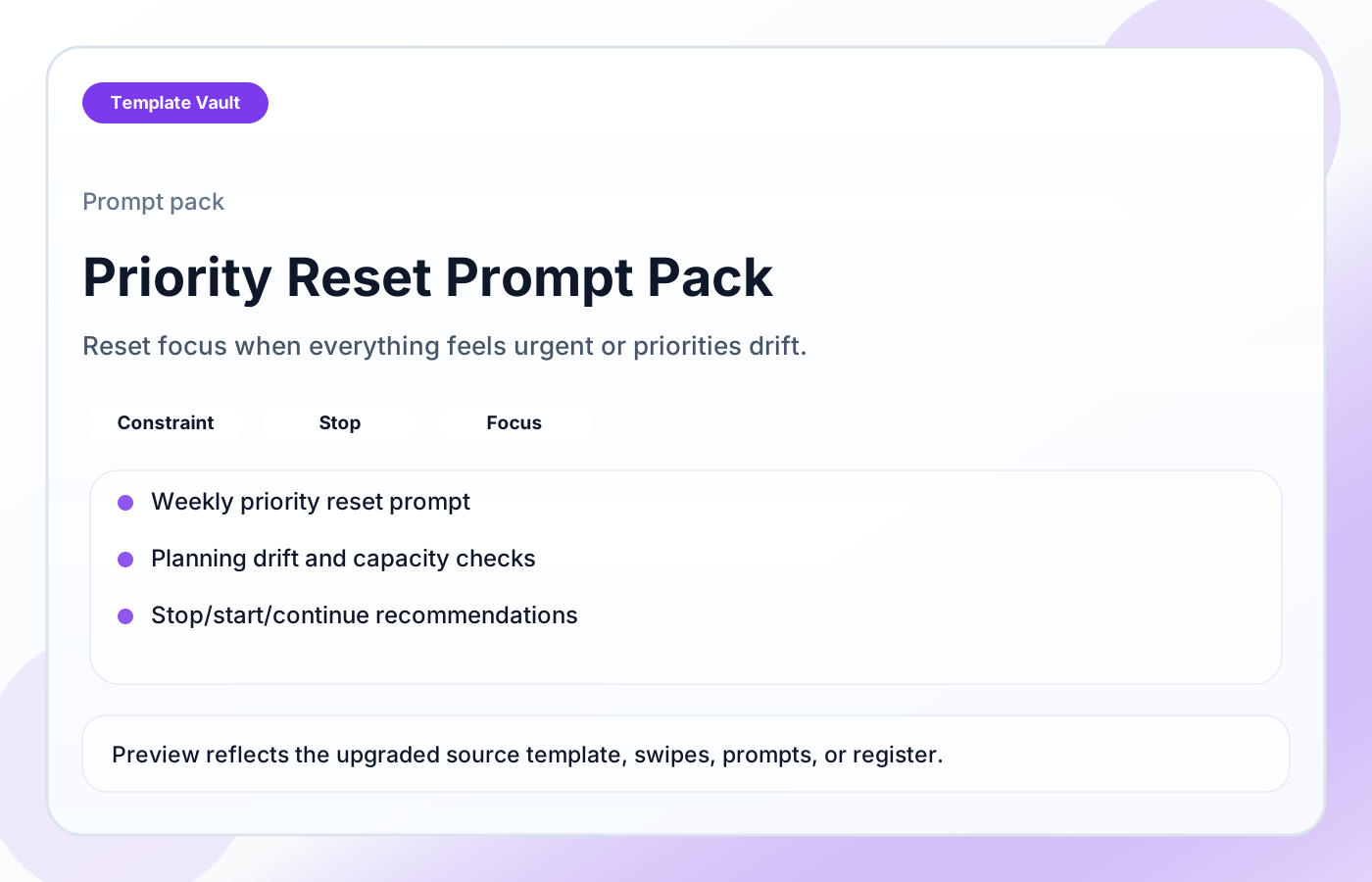
Preview 1: layout and workflow structure
Priority Reset Prompt Pack helps teams regain focus when everything feels urgent or current work no longer matches the real constraint. It includes weekly priority reset prompts, constraint-first prioritization, stop/start/continue prompts, planning drift detection, reactive-work audits, deadline pressure resets, and capacity sanity checks.
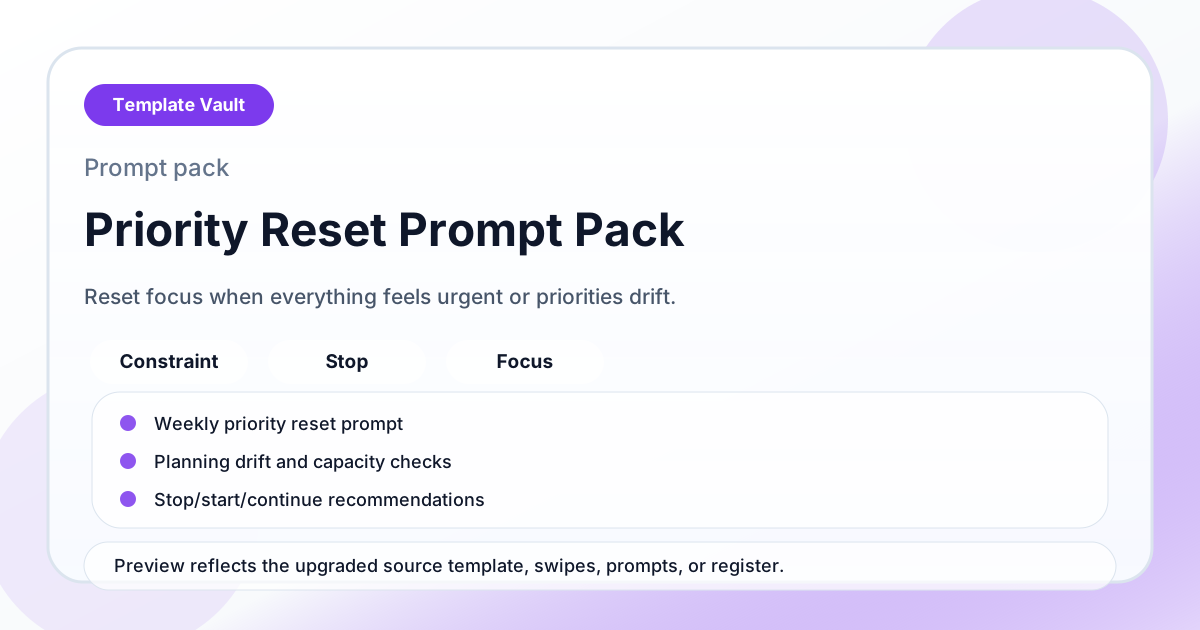
Preview assets show the structure, sections, and working style of the template before you request access.
Preview 1: layout and workflow structure
founders, operators, small teams
Use the prompt set to move faster through strategy, research, messaging, or review work without starting from a blank chat.
Standardize how you ask for first drafts, critique, options, and next-step recommendations.
Adapt Priority Reset Prompt Pack to fit your offer, audience, project rhythm, and preferred operating style.
Pair it with related vault assets when the workflow needs more than one template.
Step 1
Open the asset and review the included files or structure.
Step 2
Duplicate, edit, or customize it to fit your workflow.
Step 3
Deploy it immediately and refine it as you use it.
Request Template Vault access to get this asset and the rest of the member library.
Request access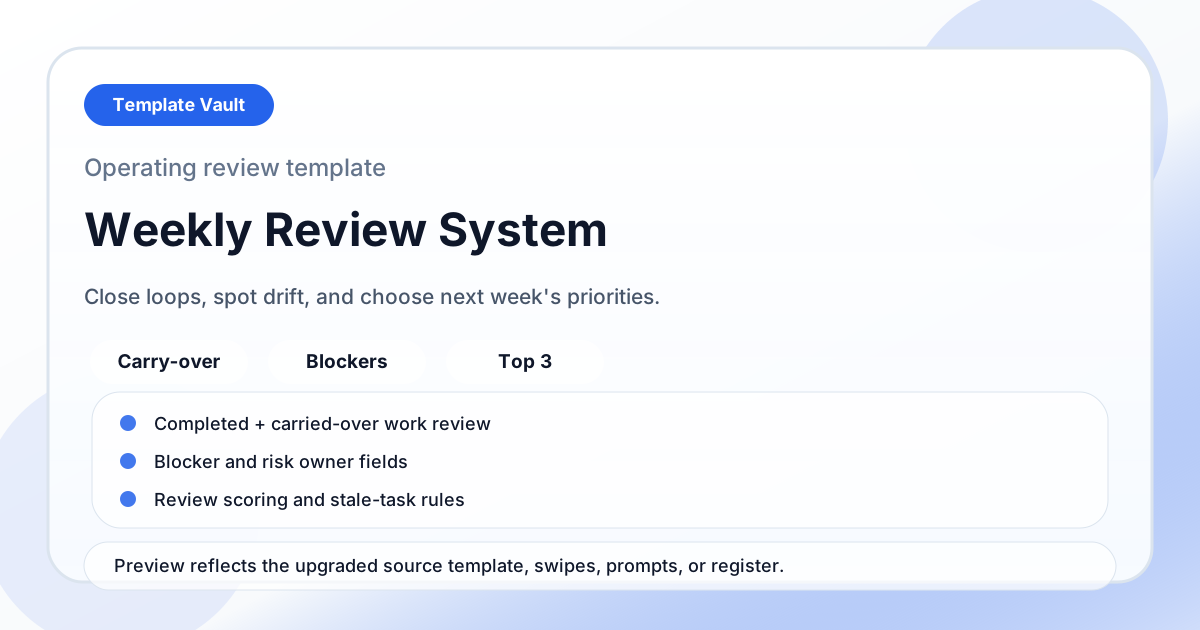
Notion Systems
A weekly review system for closing loops, spotting drift, reviewing blockers, and choosing next week’s priorities.
Prompts
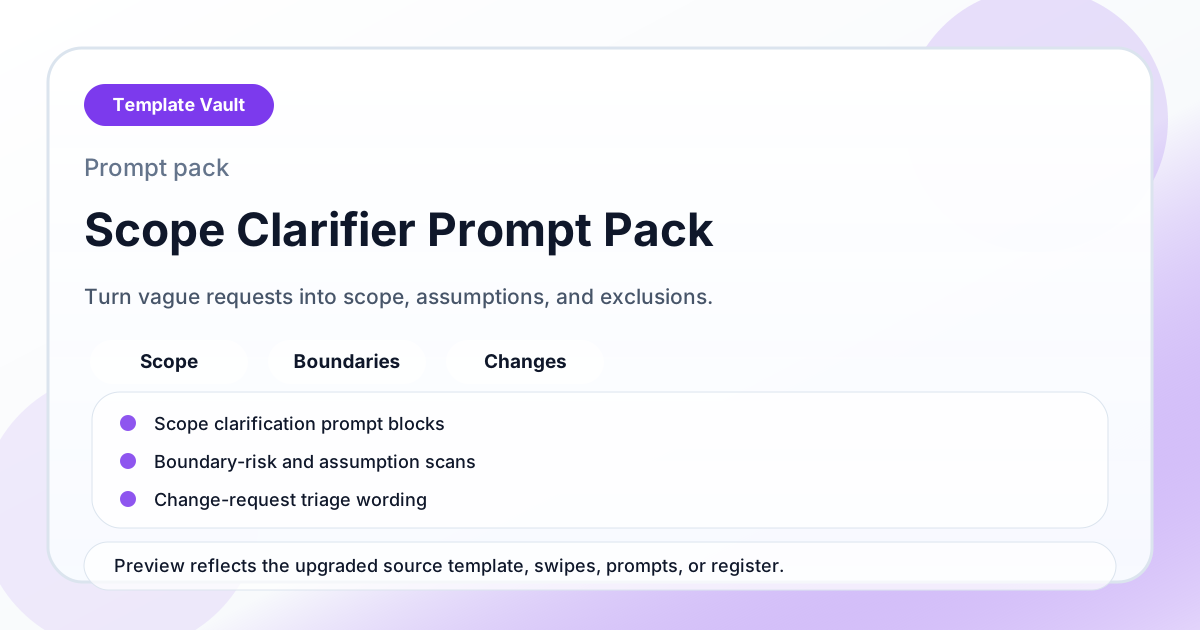
A prompt pack for turning vague client requests into clearer scope, assumptions, exclusions, and next steps.