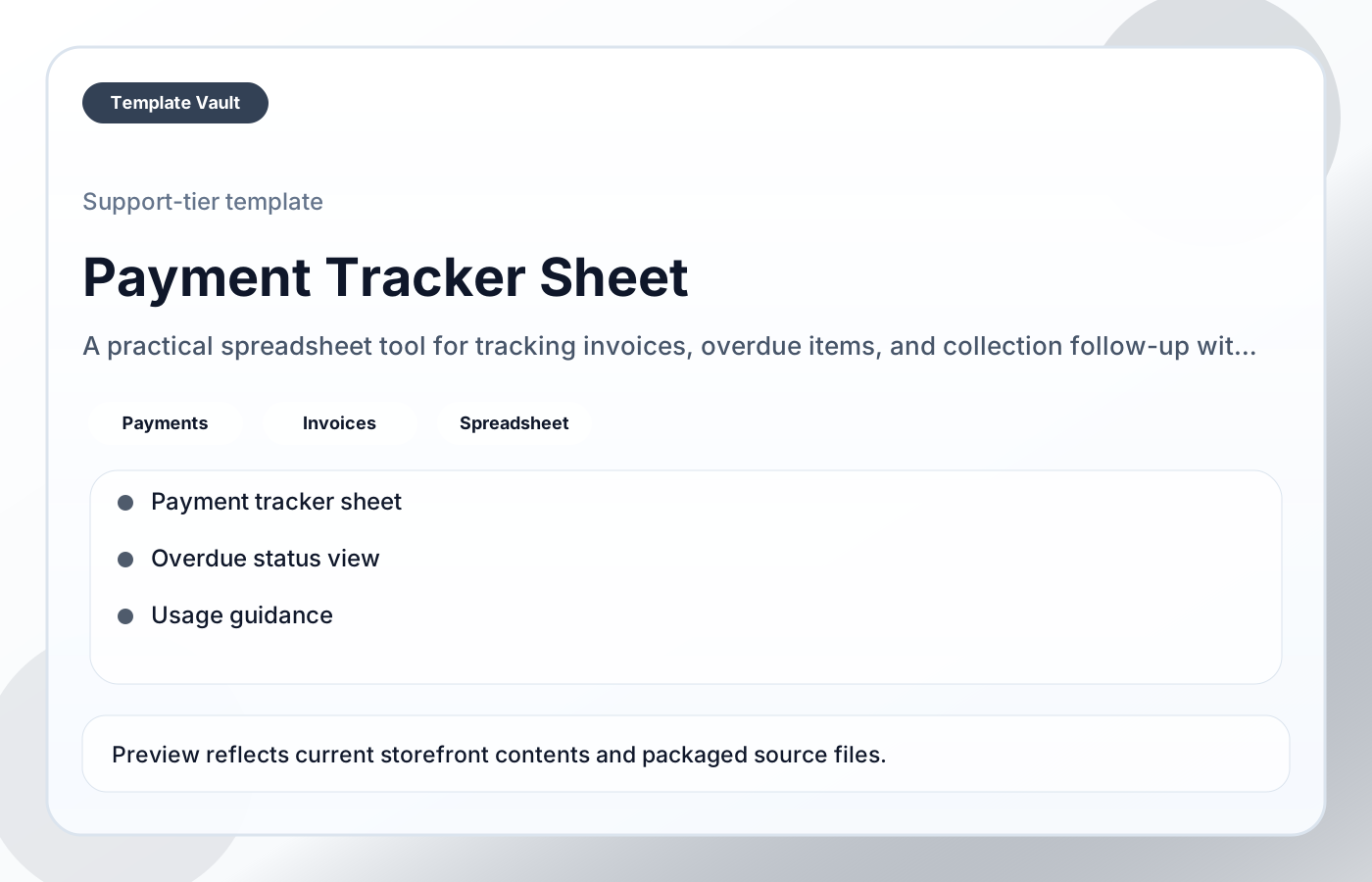
Payment Tracker Sheet

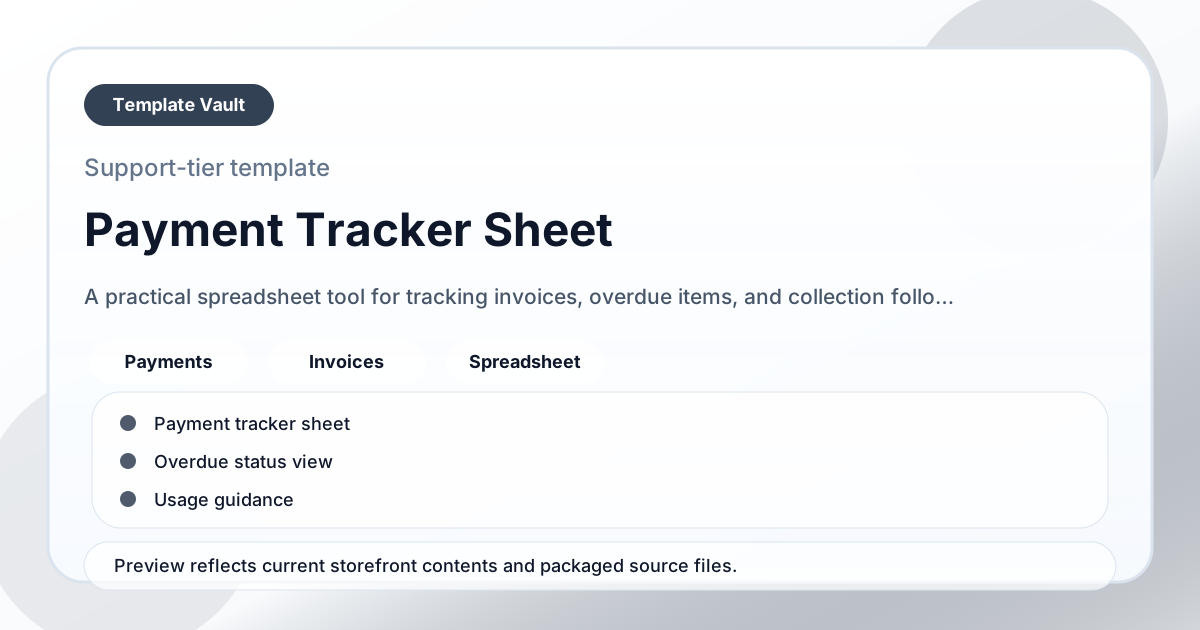
Payment Tracker Sheet helps freelancers, agencies, and operators keep invoice status, due dates, overdue follow-up, and collection visibility in one cleaner place. It is designed to make money attention obvious before payment issues become reactive.
Spreadsheet ToolsIncluded in membershipv1.0
Payment Tracker Sheet

Details

  • Category: Spreadsheet Tools
  • Formats: Spreadsheet-style Markdown template, Markdown setup notes, README
  • Delivery: Downloadable source files + instructions
  • Version: v1.0
  • Updated: 2026-04-15

Audience

freelancers, agencies, operators

Tags

paymentsinvoicesspreadsheet

Included

  • Payment tracker sheet
  • Overdue status view
  • Usage guidance
  • Customization notes
  • Follow-up view

Use cases

Model numbers, capacity, priorities, or project risk in a simple working sheet before decisions get emotional.

Use the views as a lightweight operating dashboard during weekly reviews or planning calls.

Adapt Payment Tracker Sheet to fit your offer, audience, project rhythm, and preferred operating style.

Pair it with related vault assets when the workflow needs more than one template.

Best for

  • Freelancers who want a reusable, practical starting point for this workflow.
  • Agencies who want a reusable, practical starting point for this workflow.
  • Operators who want a reusable, practical starting point for this workflow.
  • Anyone who wants a clear system they can adapt quickly rather than another blank document.

What this helps avoid

  • Planning from guesses when a simple model would show the tradeoff.
  • Hidden overload, weak margins, or unclear priority costs.
  • Over-designed systems that look polished but are hard to use in real work.

How to use it in 15 minutes

  1. Open the sheet, duplicate it, and read the input tabs before editing formulas or views.
  2. Add one realistic project, client, campaign, or operating scenario so the model has useful data.
  3. Review the output views for obvious risks, bottlenecks, or tradeoffs.
  4. Rename fields and thresholds after one live use so the sheet matches how you actually decide.

Quick start

Step 1

Open the asset and review the included files or structure.

Step 2

Duplicate, edit, or customize it to fit your workflow.

Step 3

Deploy it immediately and refine it as you use it.

Get access to this template

Request Template Vault access to get this asset and the rest of the member library.

Request access
Related templates

Retainer Forecast Sheet

Spreadsheet Tools

Retainer Forecast Sheet

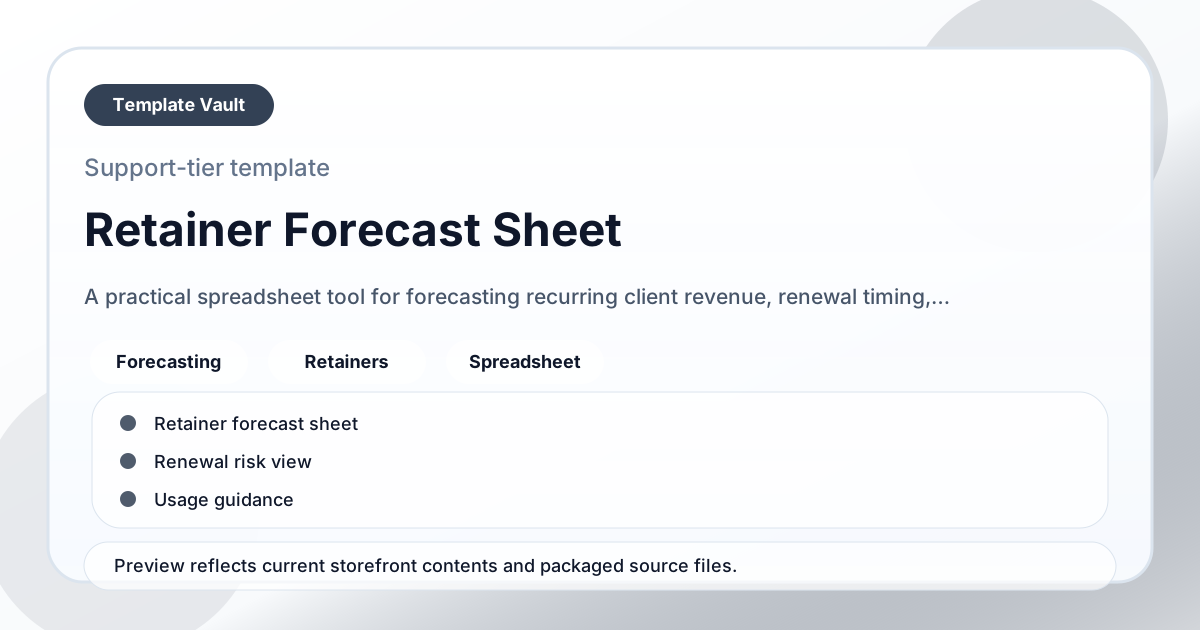
A practical spreadsheet tool for forecasting recurring client revenue, renewal timing, and at-risk accounts.
New
Cash Flow Planner

Spreadsheet Tools

Cash Flow Planner

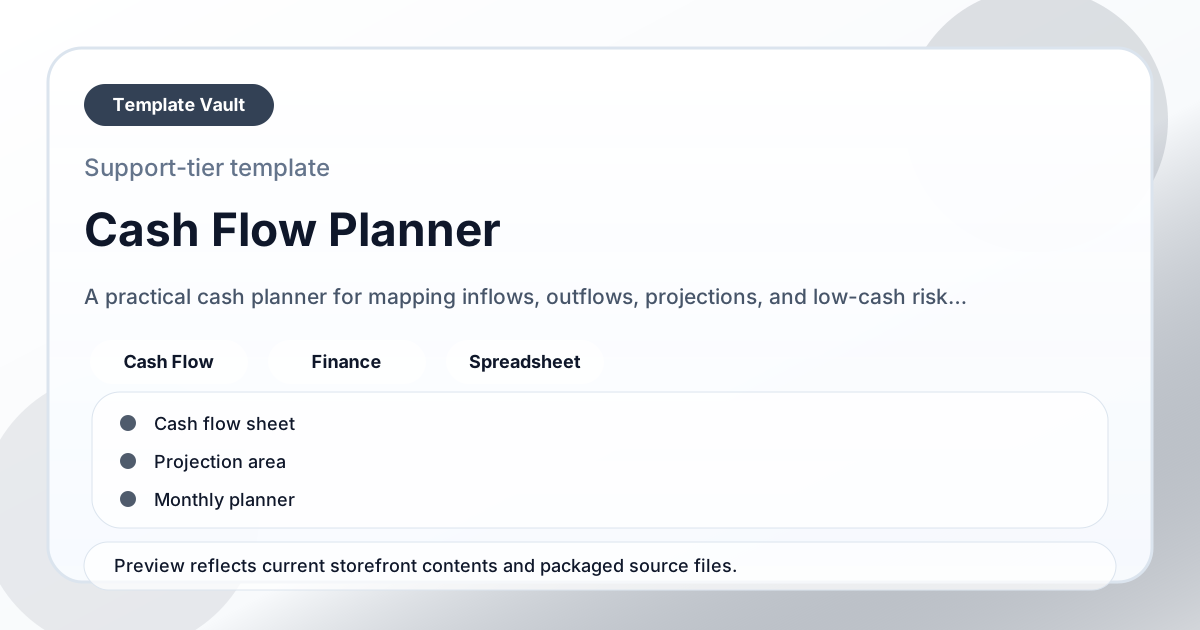
A practical cash planner for mapping inflows, outflows, projections, and low-cash risk periods.

New