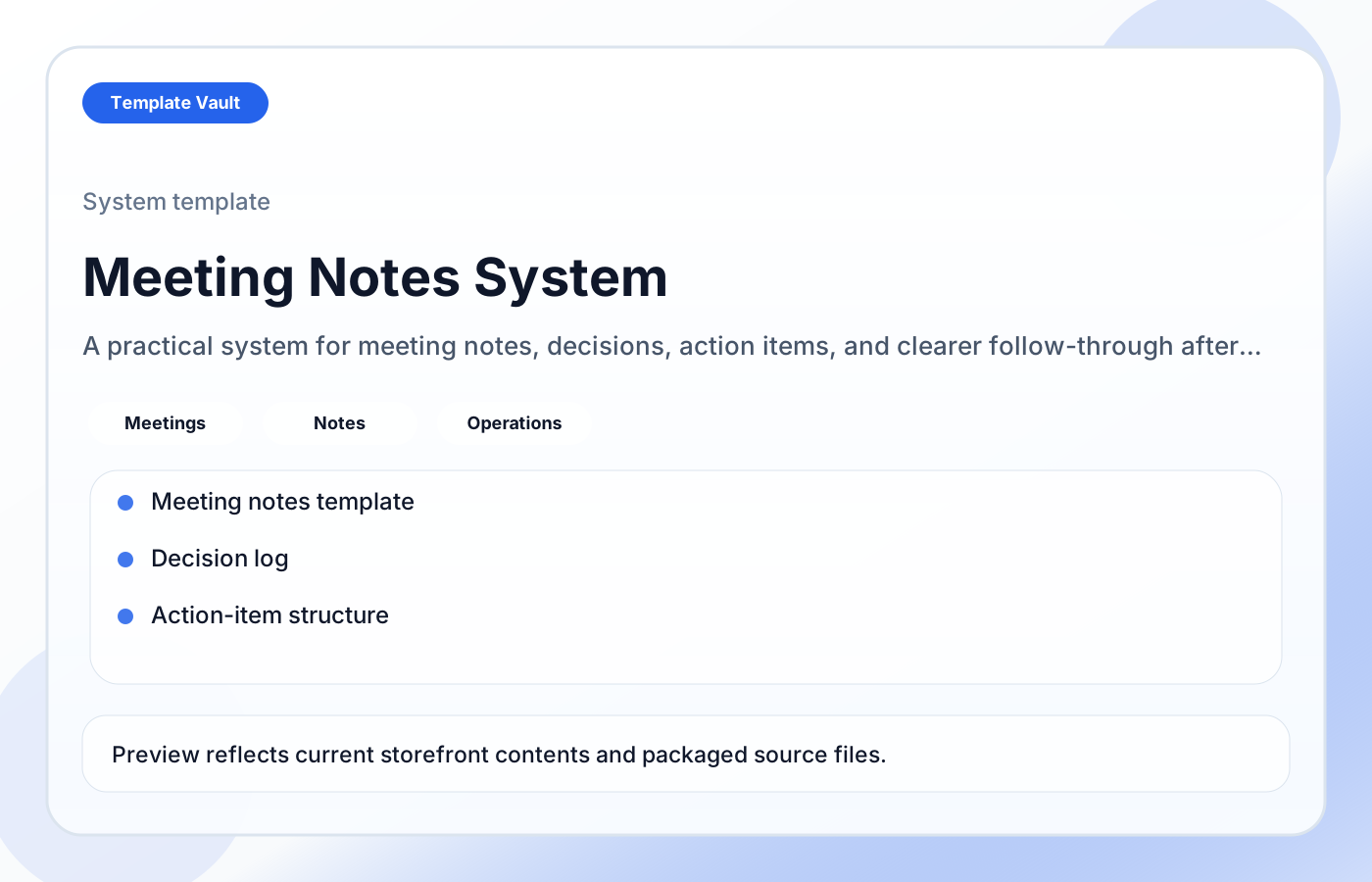
Preview 1: layout and workflow structure
Meeting Notes System helps founders, operators, and small teams keep meeting records, decisions, and follow-up actions in one cleaner place. It is built to reduce note sprawl and make it obvious what was decided, what still matters, and who owns the next move.
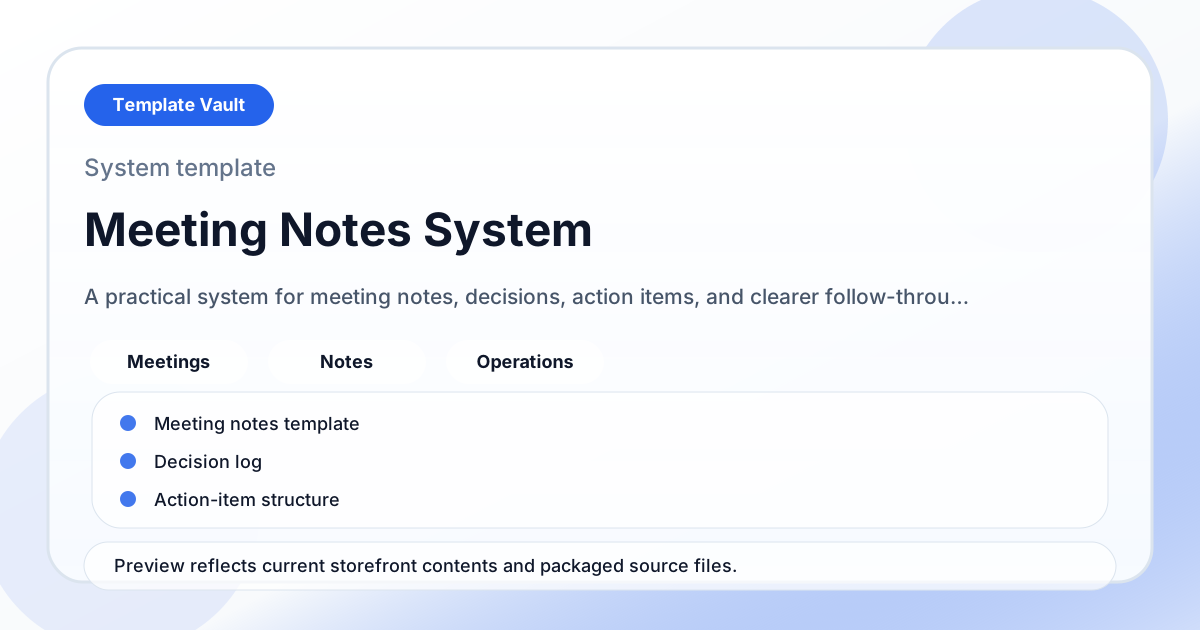
Preview assets show the structure, sections, and working style of the template before you request access.
Preview 1: layout and workflow structure
founders, operators, small teams
Turn a repeated operating workflow into one shared workspace instead of scattered documents.
Give clients, teammates, or collaborators a clearer source of truth for status, next steps, and decisions.
Adapt Meeting Notes System to fit your offer, audience, project rhythm, and preferred operating style.
Pair it with related vault assets when the workflow needs more than one template.
Step 1
Open the asset and review the included files or structure.
Step 2
Duplicate, edit, or customize it to fit your workflow.
Step 3
Deploy it immediately and refine it as you use it.
Request Template Vault access to get this asset and the rest of the member library.
Request access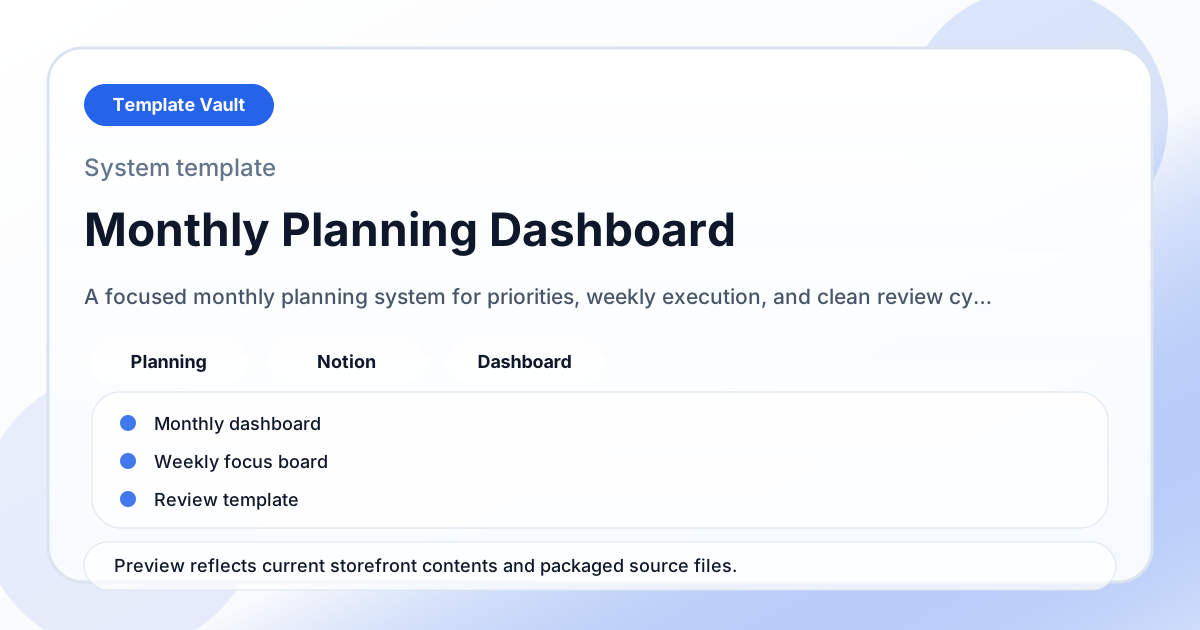
Notion Systems
A focused monthly planning system for priorities, weekly execution, and clean review cycles.
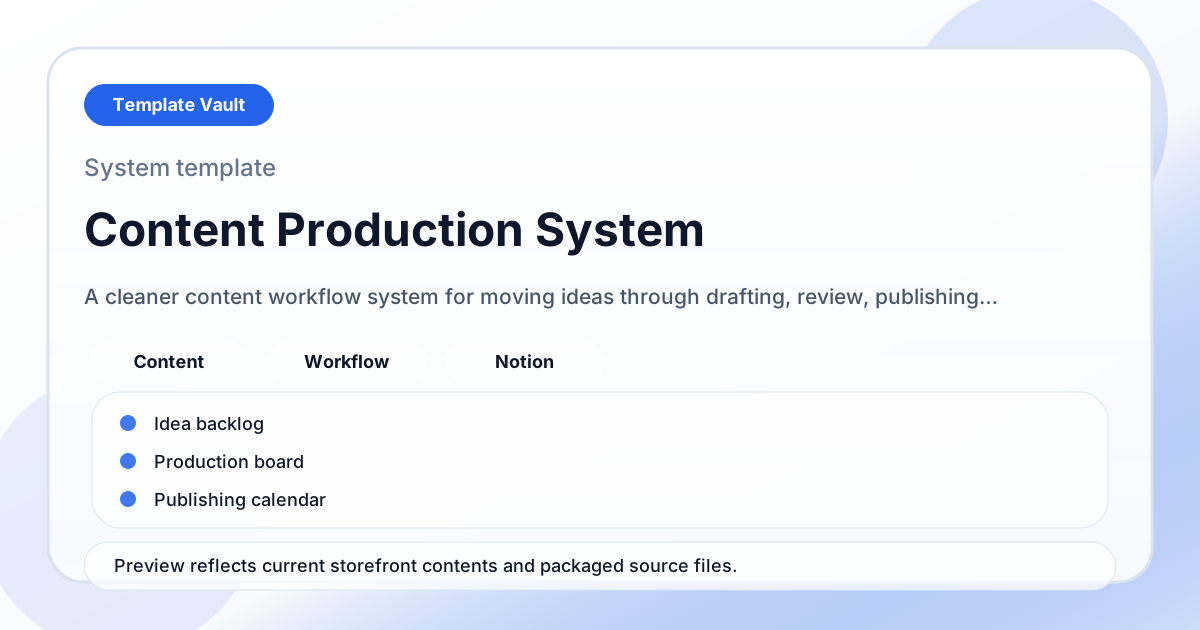
Notion Systems
A cleaner content workflow system for moving ideas through drafting, review, publishing, and repurposing.