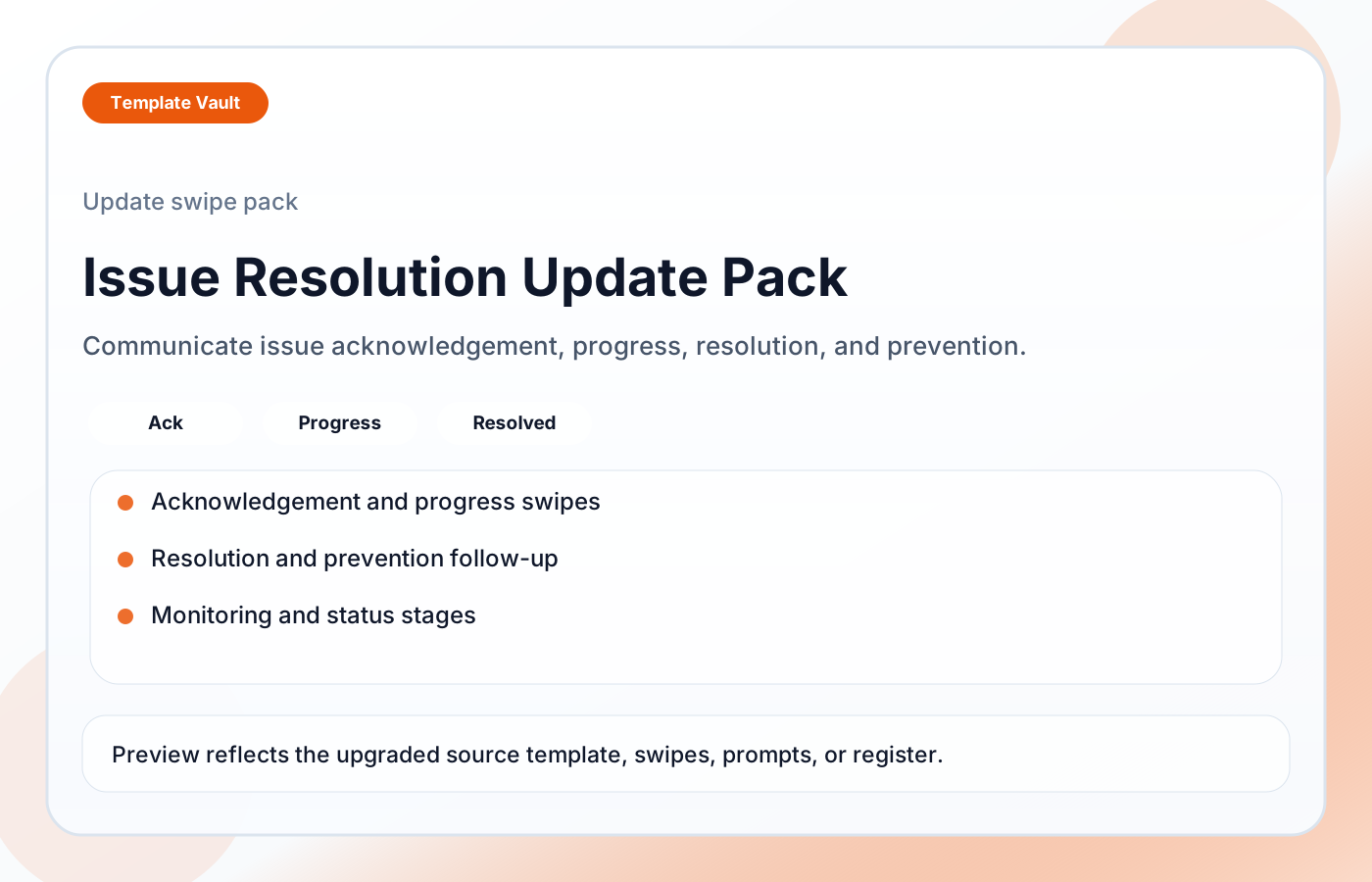
Preview 1: layout and workflow structure
Issue Resolution Update Pack helps teams communicate issue progress clearly from first acknowledgement to final resolution. It includes acknowledgement, progress, resolution, prevention follow-up, and sensitive-tone variants, plus a resolution status structure covering investigating, fix in progress, resolved, monitoring, and closed states.
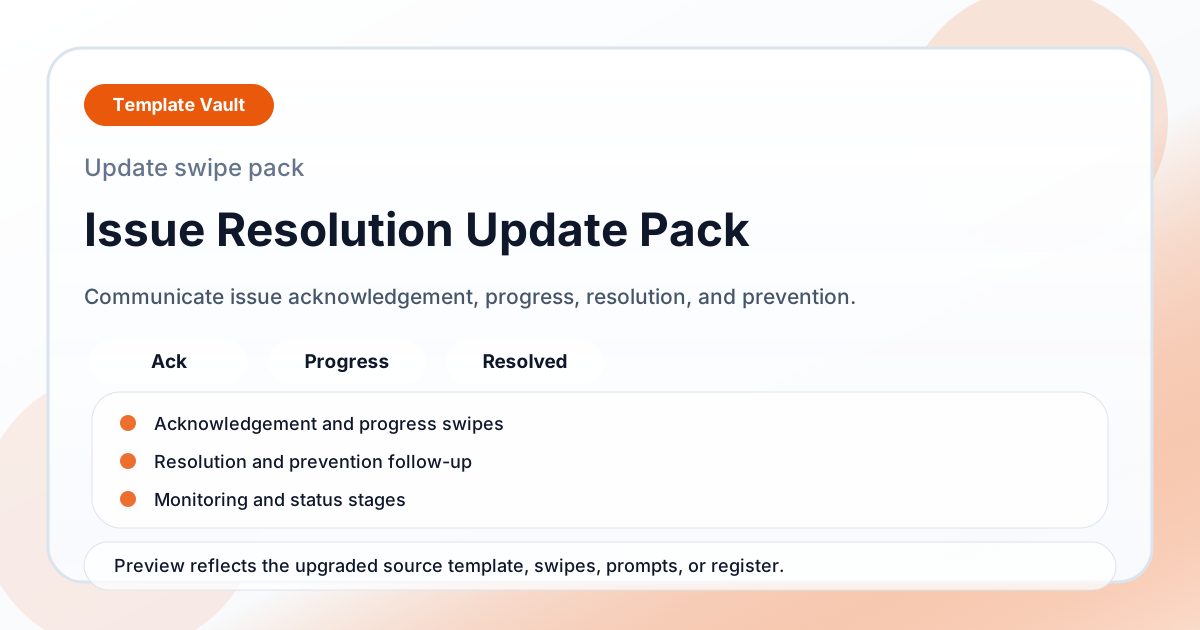
Preview assets show the structure, sections, and working style of the template before you request access.
Preview 1: layout and workflow structure
founders, operators, teams
Ship clearer campaign, update, announcement, or educational content without writing every piece from scratch.
Keep tone, structure, and calls to action consistent across repeated content workflows.
Adapt Issue Resolution Update Pack to fit your offer, audience, project rhythm, and preferred operating style.
Pair it with related vault assets when the workflow needs more than one template.
Step 1
Open the asset and review the included files or structure.
Step 2
Duplicate, edit, or customize it to fit your workflow.
Step 3
Deploy it immediately and refine it as you use it.
Request Template Vault access to get this asset and the rest of the member library.
Request access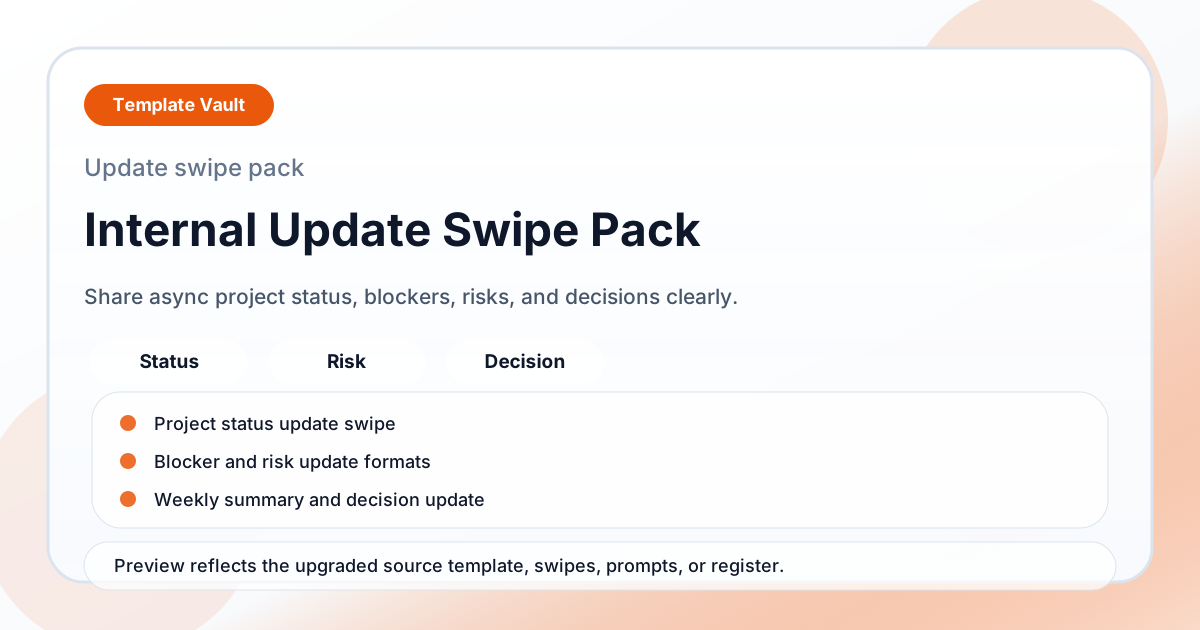
Content Packs
An internal update swipe pack for async project status, blockers, risks, weekly summaries, and decision updates.
Content Packs
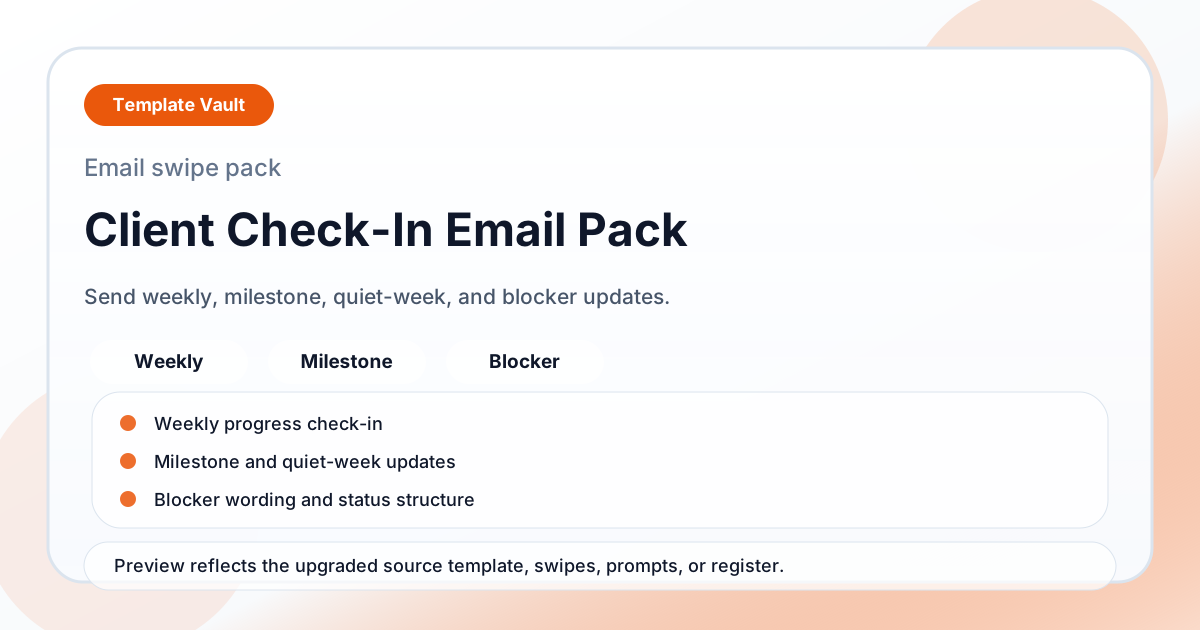
A client check-in email pack for weekly progress, milestones, quiet-week reassurance, blockers, and next-step updates.