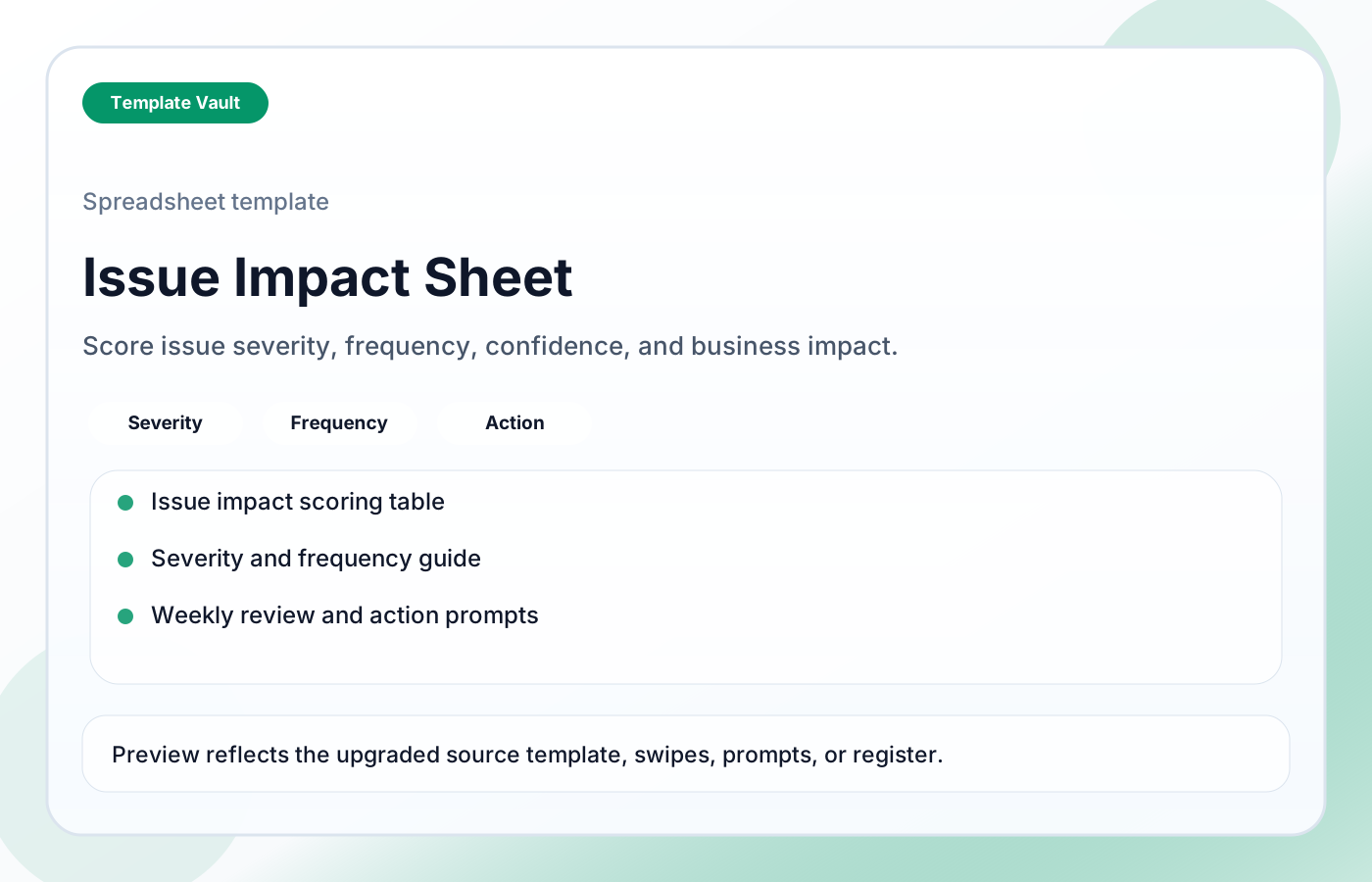
Preview 1: layout and workflow structure
Issue Impact Sheet helps teams turn vague problems into clearer impact records before deciding what to fix first. It captures affected area, frequency, severity, confidence, evidence, workaround, owner, recommendation, next action, and review prompts so recurring problems are prioritized by impact instead of noise.
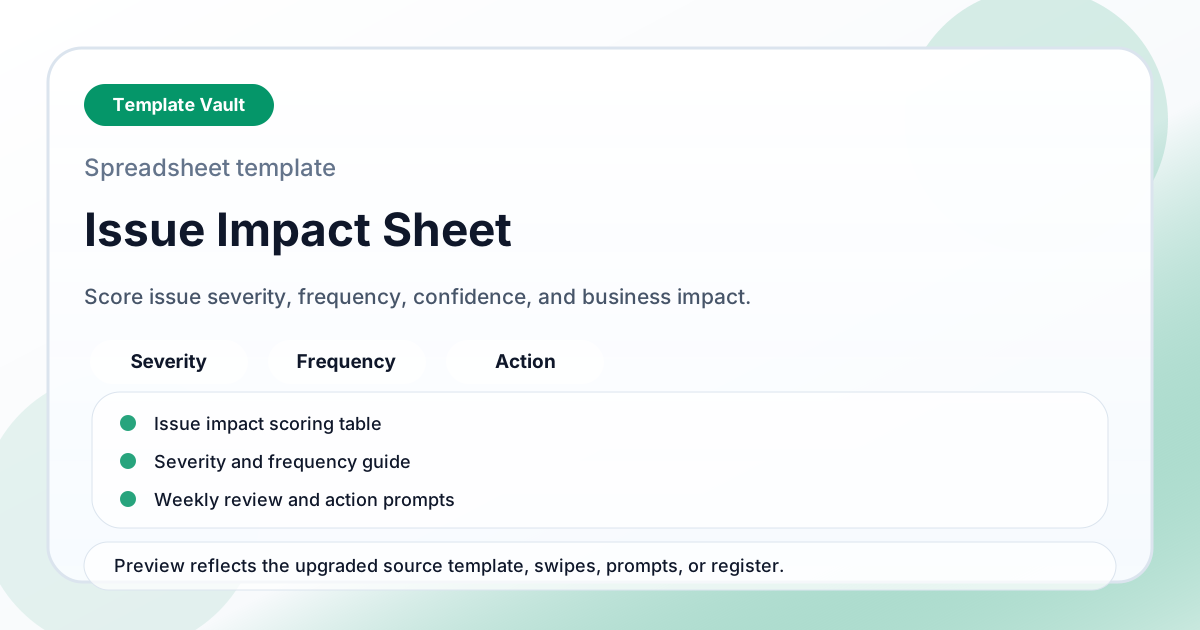
Preview assets show the structure, sections, and working style of the template before you request access.
Preview 1: layout and workflow structure
founders, operators, teams
Model numbers, capacity, priorities, or project risk in a simple working sheet before decisions get emotional.
Use the views as a lightweight operating dashboard during weekly reviews or planning calls.
Adapt Issue Impact Sheet to fit your offer, audience, project rhythm, and preferred operating style.
Pair it with related vault assets when the workflow needs more than one template.
Step 1
Open the asset and review the included files or structure.
Step 2
Duplicate, edit, or customize it to fit your workflow.
Step 3
Deploy it immediately and refine it as you use it.
Request Template Vault access to get this asset and the rest of the member library.
Request access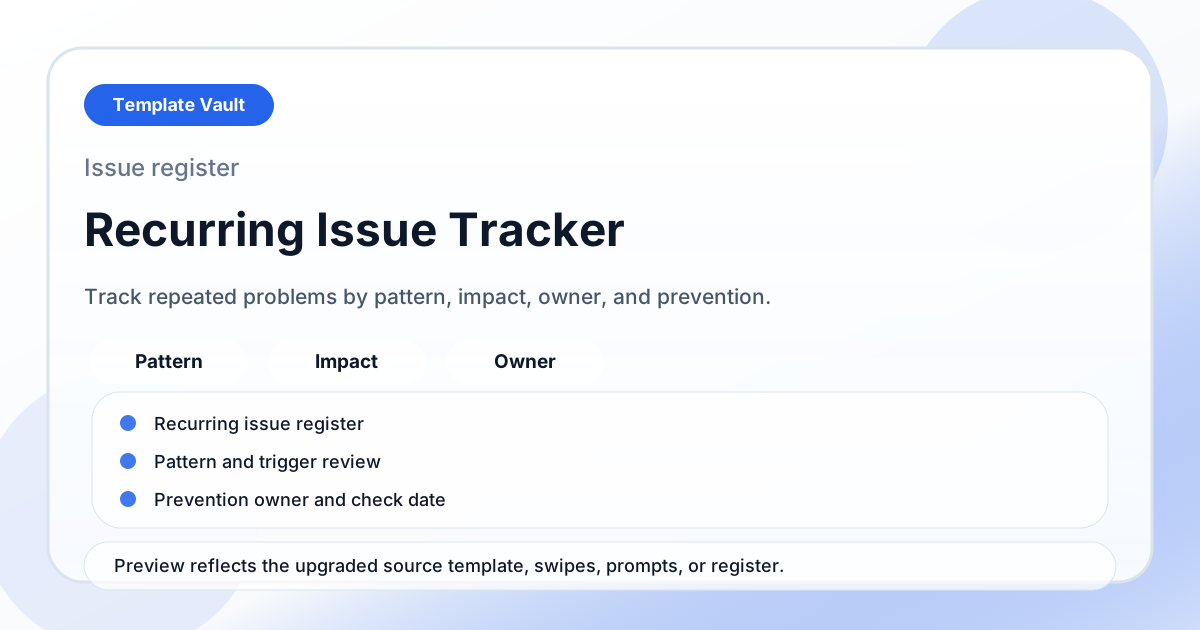
Notion Systems
A recurring issue tracker for grouping repeat problems, reviewing patterns, and turning familiar friction into owned fixes.
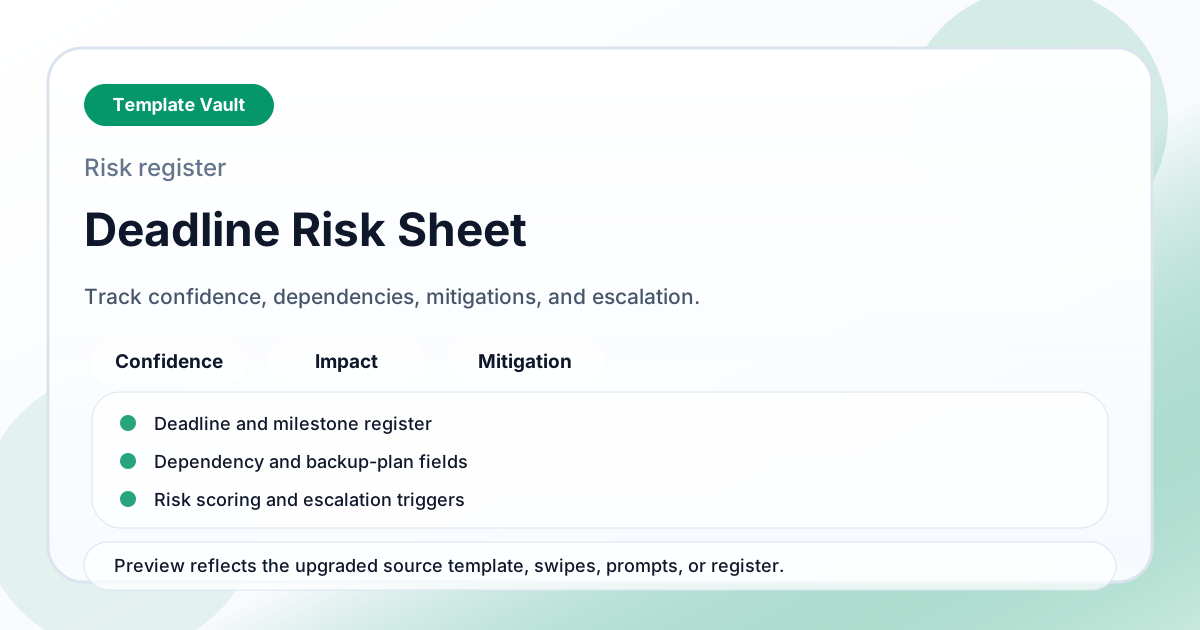
Spreadsheet Tools
A deadline risk sheet for tracking deadline confidence, dependencies, impact, mitigations, and escalation triggers.