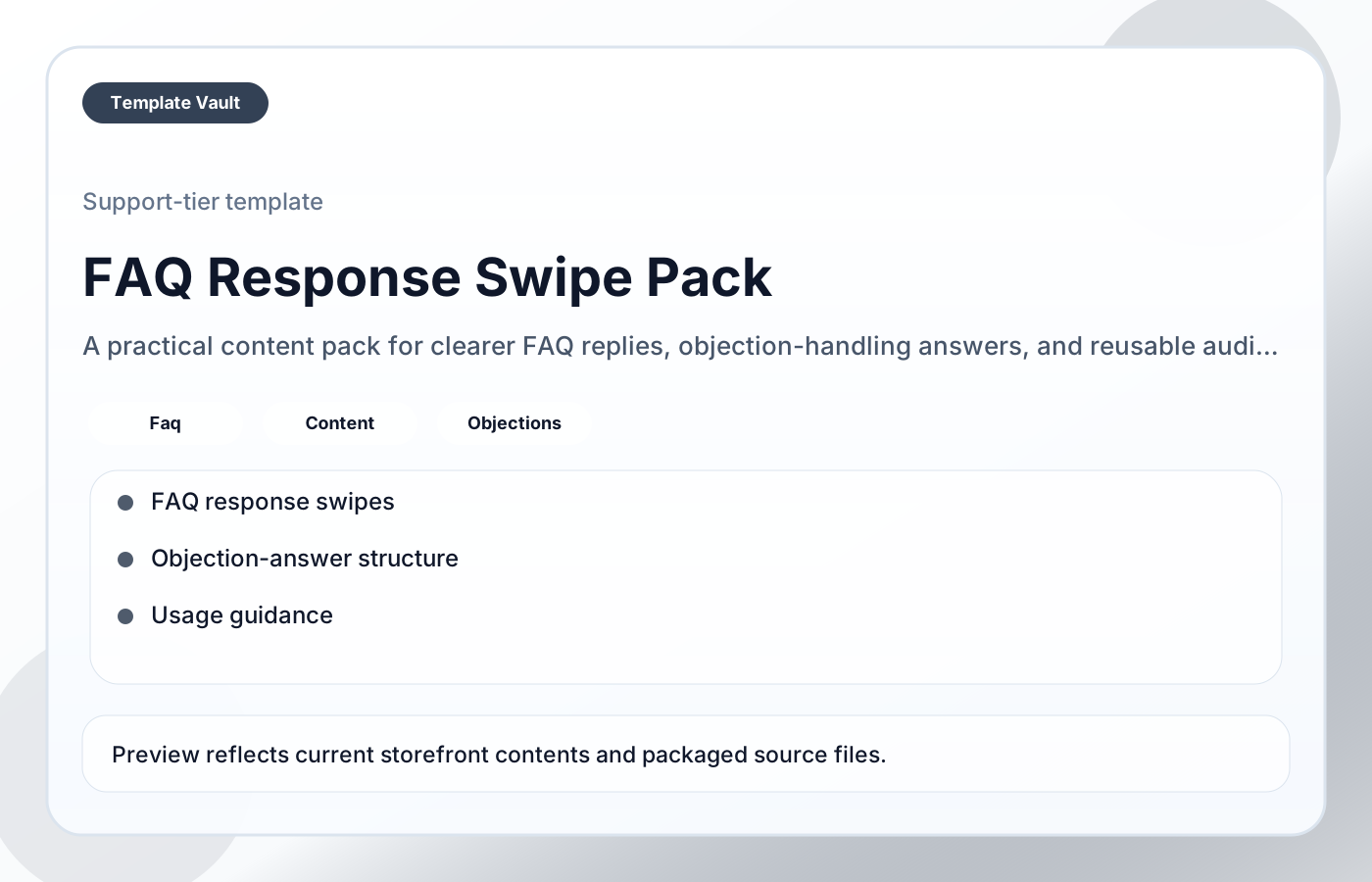
Preview 1: layout and workflow structure
FAQ Response Swipe Pack
FAQ Response Swipe Pack helps founders, creators, consultants, and agencies answer common questions more clearly while reducing buying friction and repeated explanation work. It is designed to turn repeated questions into calmer, clearer responses instead of defensive or overlong replies.
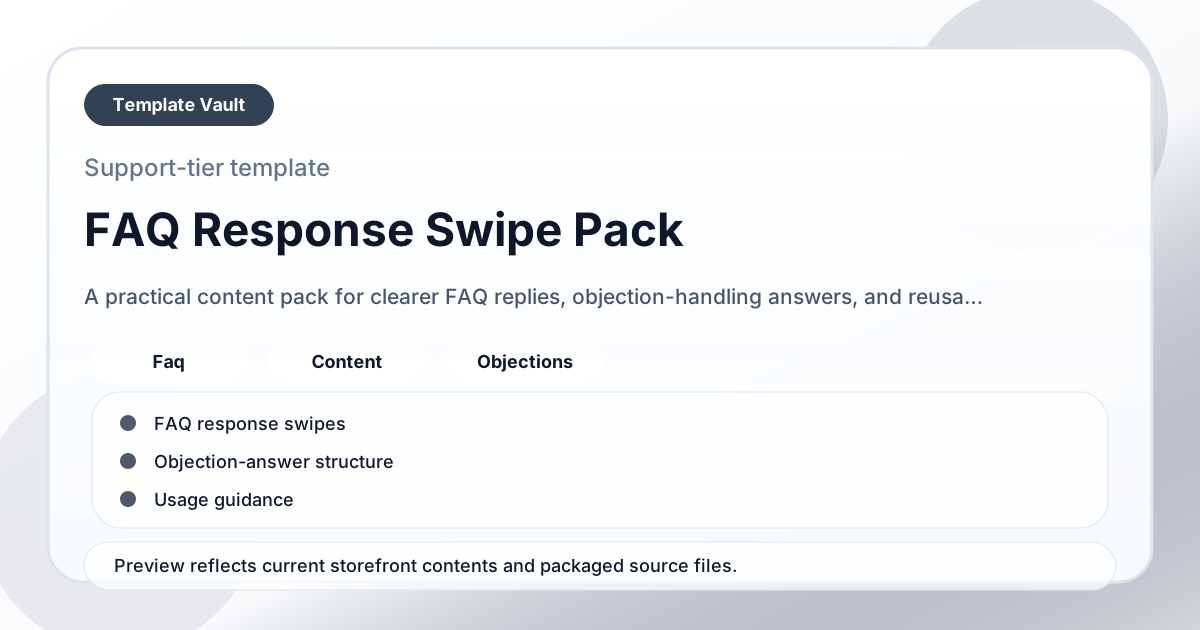
FAQ Response Swipe Pack preview
Preview assets show the structure, sections, and working style of the template before you request access.
Details
- Category: Content Packs
- Formats: Docs, Markdown, README
- Delivery: Downloadable files
- Version: v1.0
- Updated: 2026-04-15
Audience
founders, creators, consultants, agencies
Tags
Included
- FAQ response swipes
- Objection-answer structure
- Usage guidance
- Customization notes
- Trust-question variant
Use cases
Ship clearer campaign, update, announcement, or educational content without writing every piece from scratch.
Keep tone, structure, and calls to action consistent across repeated content workflows.
Adapt FAQ Response Swipe Pack to fit your offer, audience, project rhythm, and preferred operating style.
Pair it with related vault assets when the workflow needs more than one template.
Best for
- Founders who want a reusable, practical starting point for this workflow.
- Creators who want a reusable, practical starting point for this workflow.
- Consultants who want a reusable, practical starting point for this workflow.
- Agencies who want a reusable, practical starting point for this workflow.
- Anyone who wants a clear system they can adapt quickly rather than another blank document.
What this helps avoid
- Publishing from a blank page every time a launch, update, or campaign needs copy.
- Inconsistent messaging across channels because each asset is written in isolation.
- Over-designed systems that look polished but are hard to use in real work.
How to use it in 15 minutes
- Pick the closest swipe, script, or content structure instead of reading the whole pack first.
- Replace placeholders with the real recipient, audience, offer, proof, and desired next step.
- Cut anything that sounds generic before sending or scheduling it.
- Save the strongest edited version as your reusable house style for the next campaign.
Quick start
Step 1
Open the asset and review the included files or structure.
Step 2
Duplicate, edit, or customize it to fit your workflow.
Step 3
Deploy it immediately and refine it as you use it.
Get access to this template
Request Template Vault access to get this asset and the rest of the member library.
Request accessRelated templates
Content Packs
Launch Announcement Swipe Pack
A practical content pack for launch announcements, release messaging, and clearer offer rollouts across channels.
Prompts
Proposal Review Prompt Pack
A practical prompt pack for reviewing proposals, spotting weak sections, and improving client-facing clarity before sending.