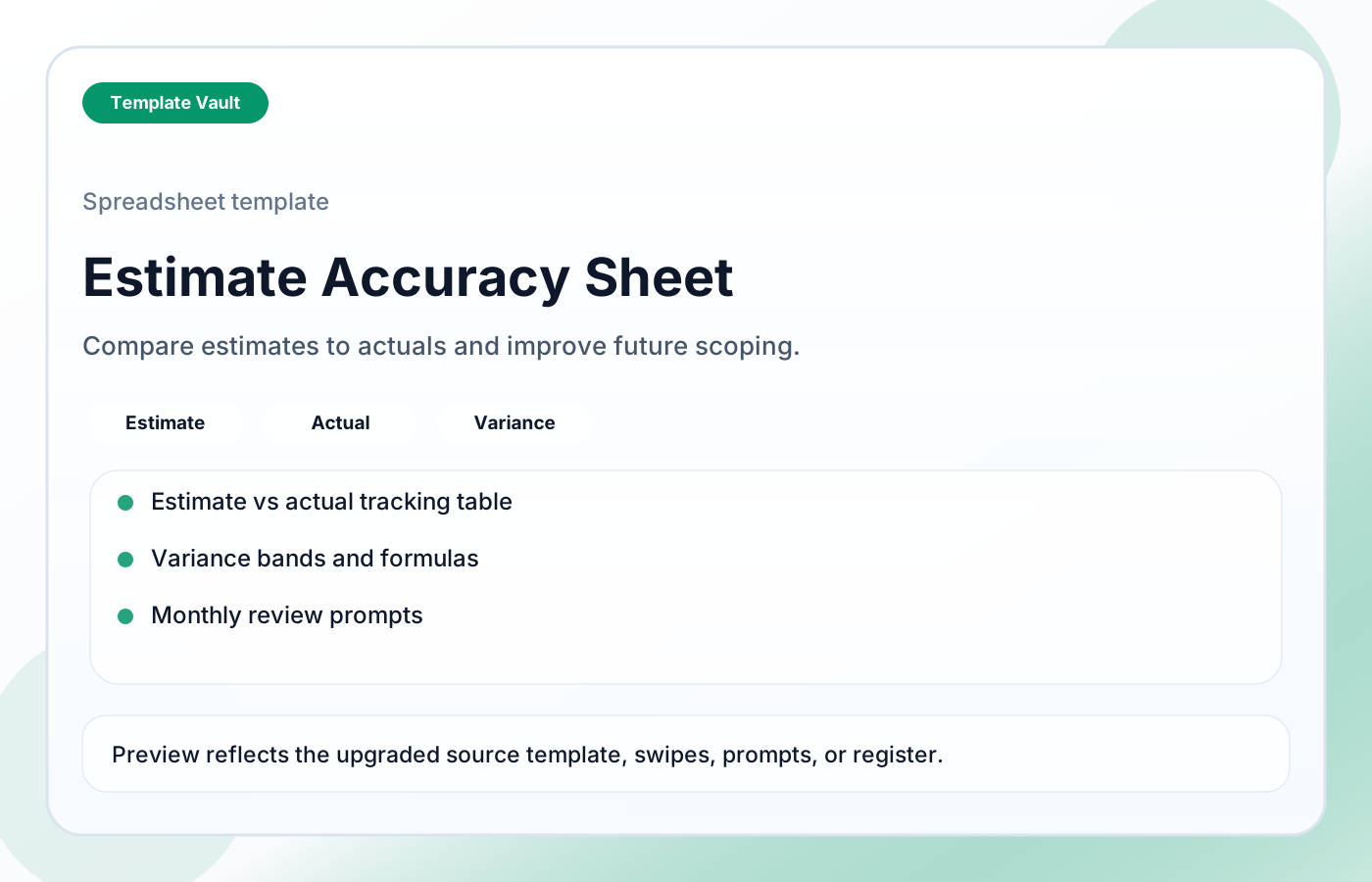
Preview 1: layout and workflow structure
Estimate Accuracy Sheet helps freelancers, agencies, and operators compare planned effort to actual effort, identify variance causes, and turn delivery lessons into better estimating rules. It includes recommended columns, example rows, variance formulas, accuracy bands, and review prompts for improving pricing, scoping, and planning.
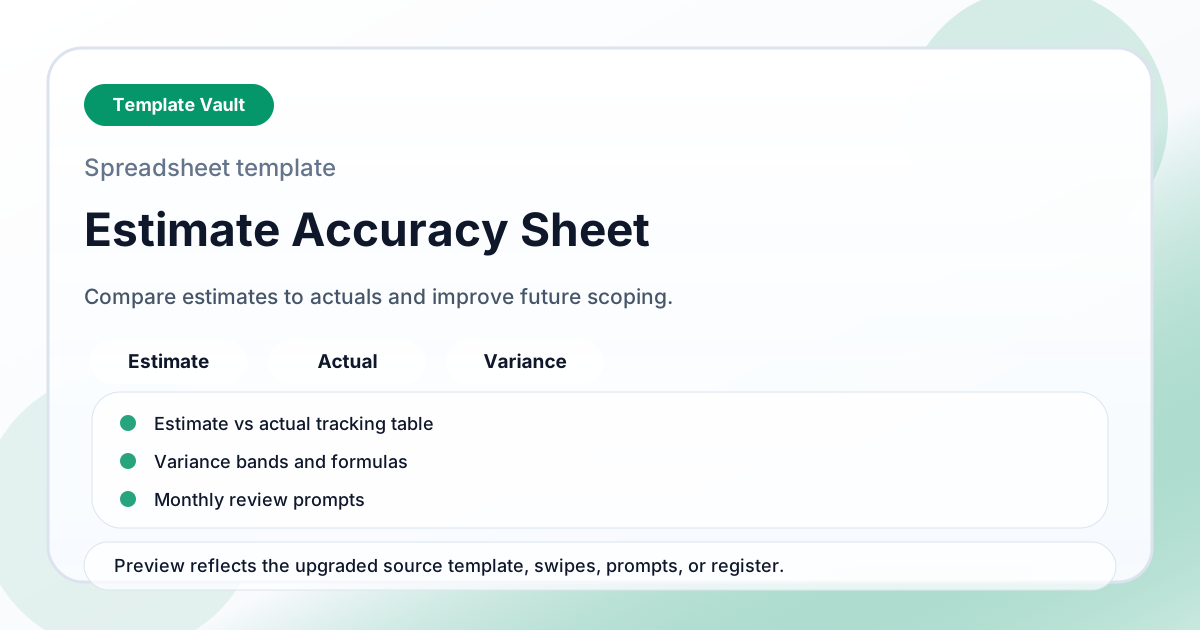
Preview assets show the structure, sections, and working style of the template before you request access.
Preview 1: layout and workflow structure
freelancers, agencies, operators
Model numbers, capacity, priorities, or project risk in a simple working sheet before decisions get emotional.
Use the views as a lightweight operating dashboard during weekly reviews or planning calls.
Adapt Estimate Accuracy Sheet to fit your offer, audience, project rhythm, and preferred operating style.
Pair it with related vault assets when the workflow needs more than one template.
Step 1
Open the asset and review the included files or structure.
Step 2
Duplicate, edit, or customize it to fit your workflow.
Step 3
Deploy it immediately and refine it as you use it.
Request Template Vault access to get this asset and the rest of the member library.
Request access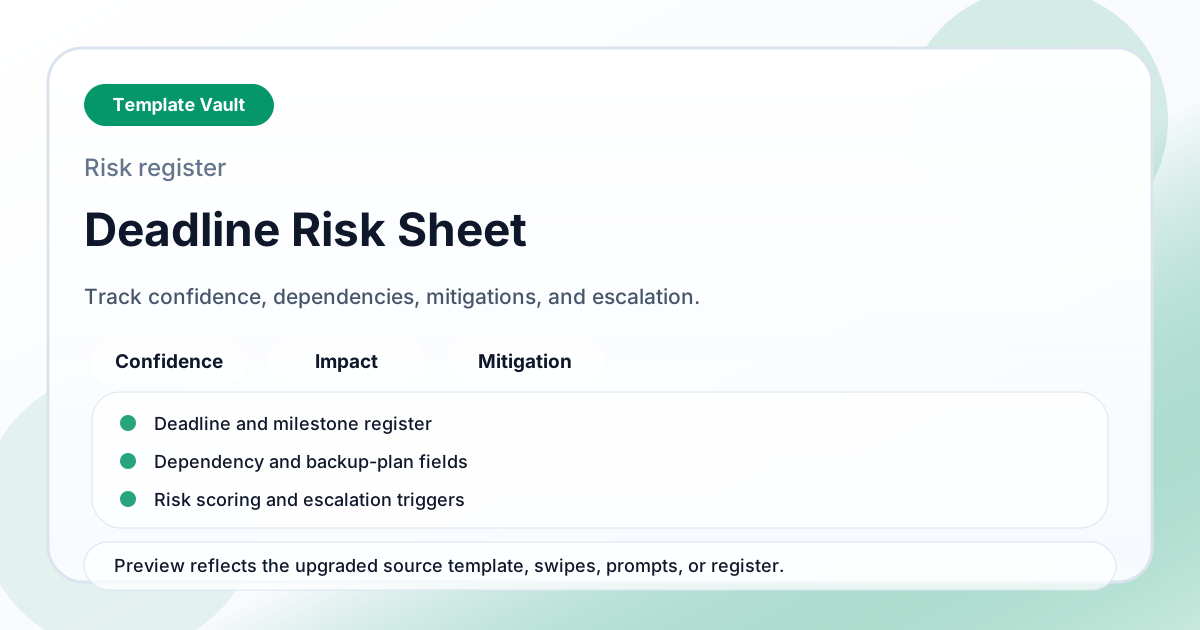
Spreadsheet Tools
A deadline risk sheet for tracking deadline confidence, dependencies, impact, mitigations, and escalation triggers.
Spreadsheet Tools
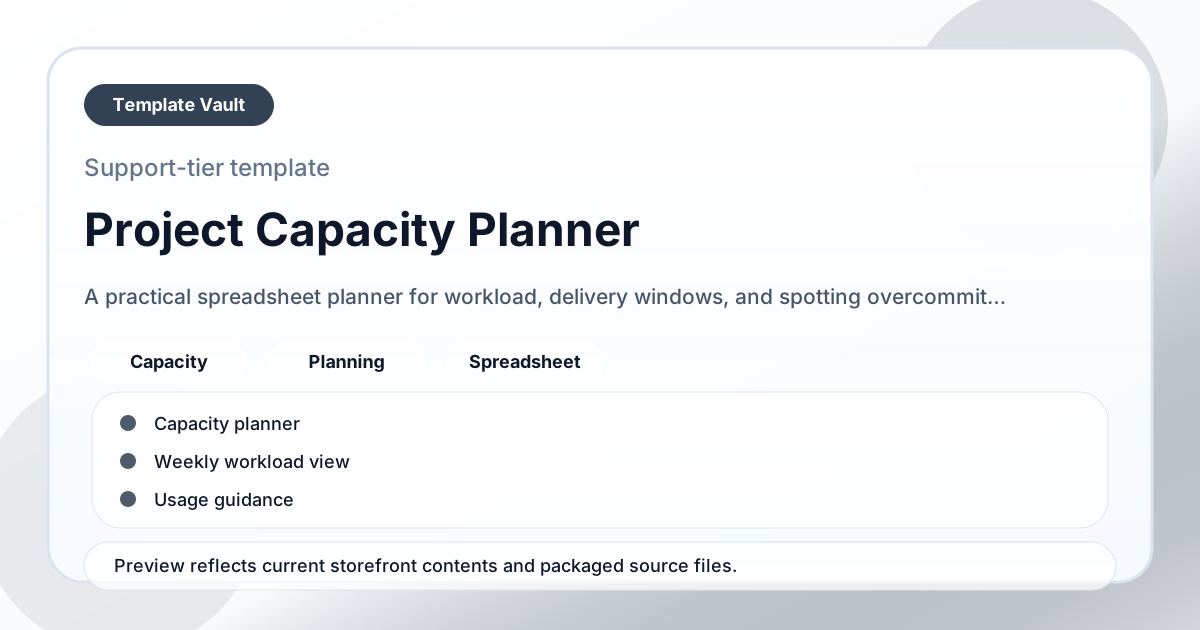
A practical spreadsheet planner for workload, delivery windows, and spotting overcommitment before it becomes a deadline problem.