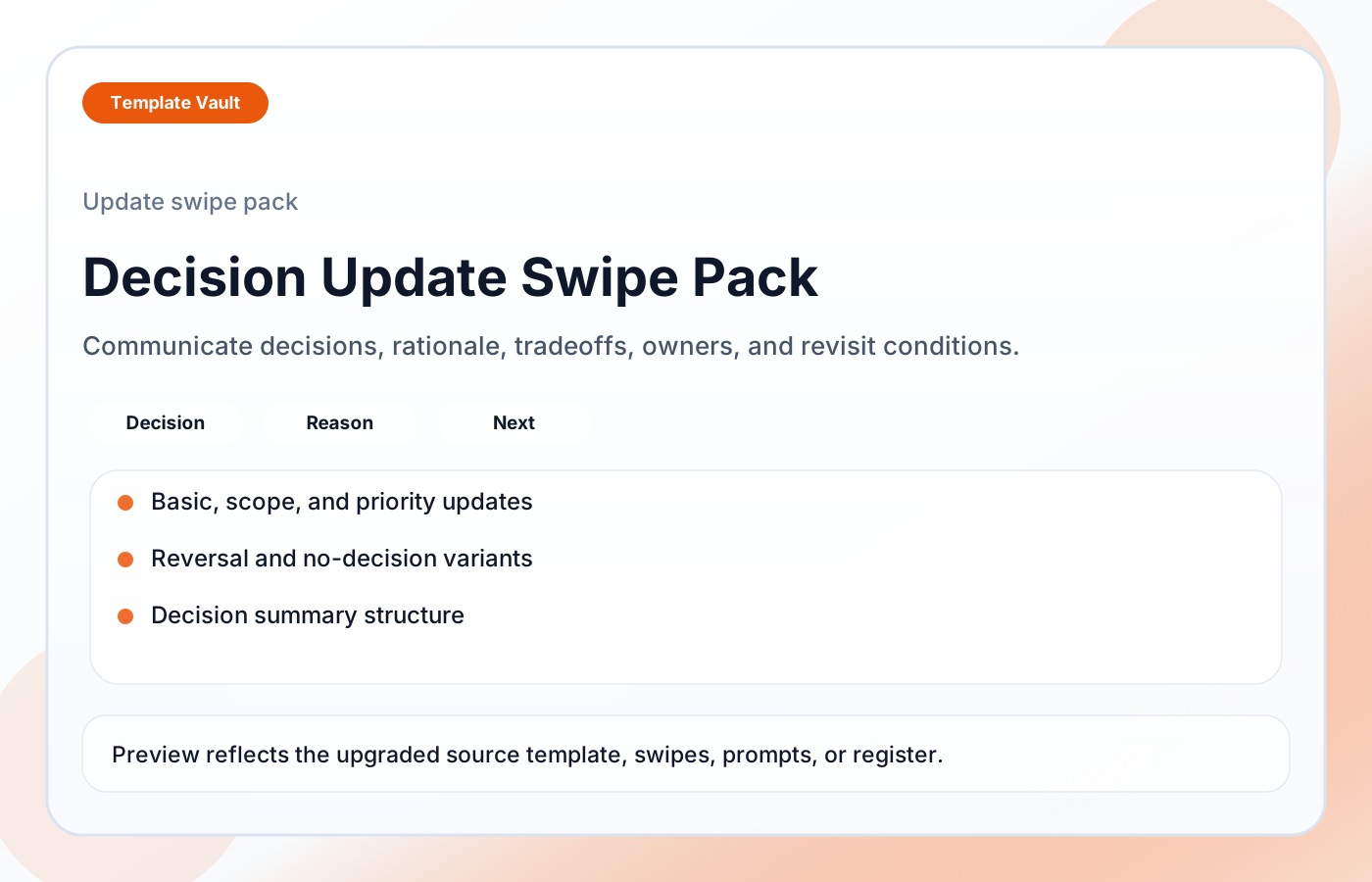
Preview 1: layout and workflow structure
Decision Update Swipe Pack helps teams communicate what was decided, why it was decided, what tradeoff was accepted, and what happens next. It includes basic decision updates, scope decisions, priority decisions, reversal/revisit updates, no-decision updates, decision summary fields, and quality checks for useful decision history.
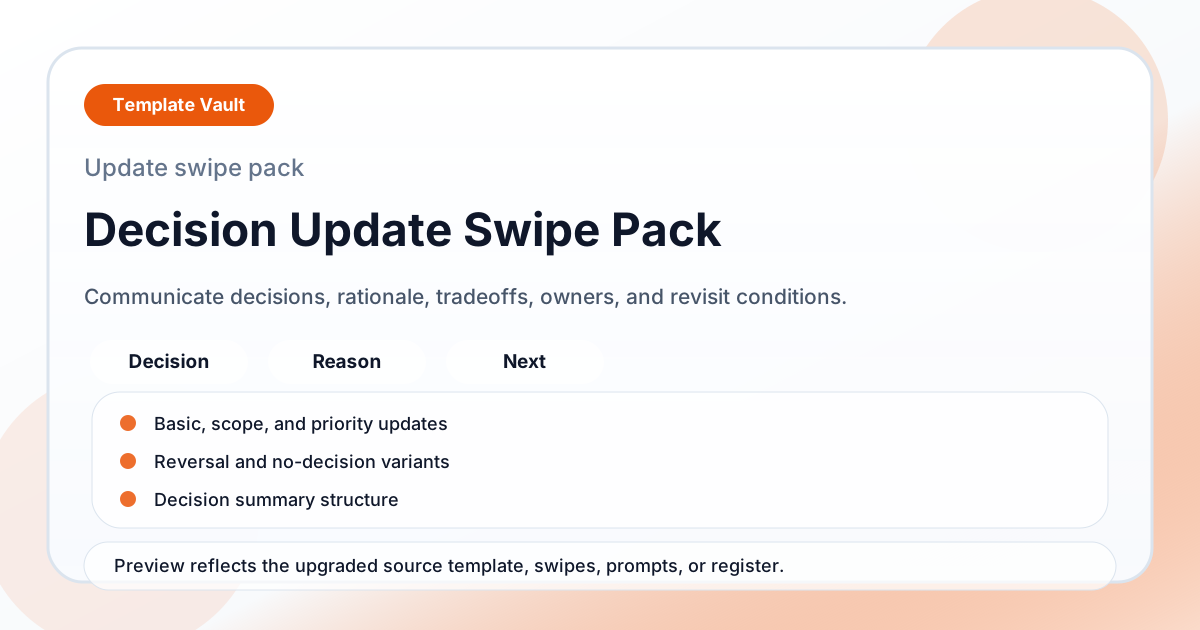
Preview assets show the structure, sections, and working style of the template before you request access.
Preview 1: layout and workflow structure
founders, operators, teams
Ship clearer campaign, update, announcement, or educational content without writing every piece from scratch.
Keep tone, structure, and calls to action consistent across repeated content workflows.
Adapt Decision Update Swipe Pack to fit your offer, audience, project rhythm, and preferred operating style.
Pair it with related vault assets when the workflow needs more than one template.
Step 1
Open the asset and review the included files or structure.
Step 2
Duplicate, edit, or customize it to fit your workflow.
Step 3
Deploy it immediately and refine it as you use it.
Request Template Vault access to get this asset and the rest of the member library.
Request access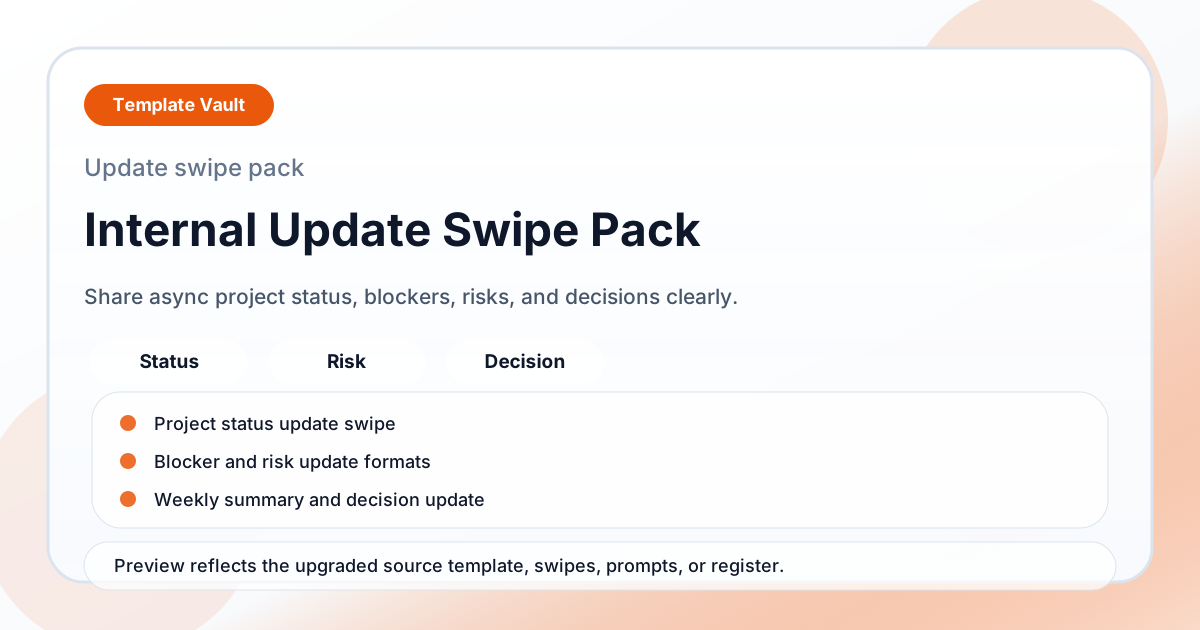
Content Packs
An internal update swipe pack for async project status, blockers, risks, weekly summaries, and decision updates.
Content Packs
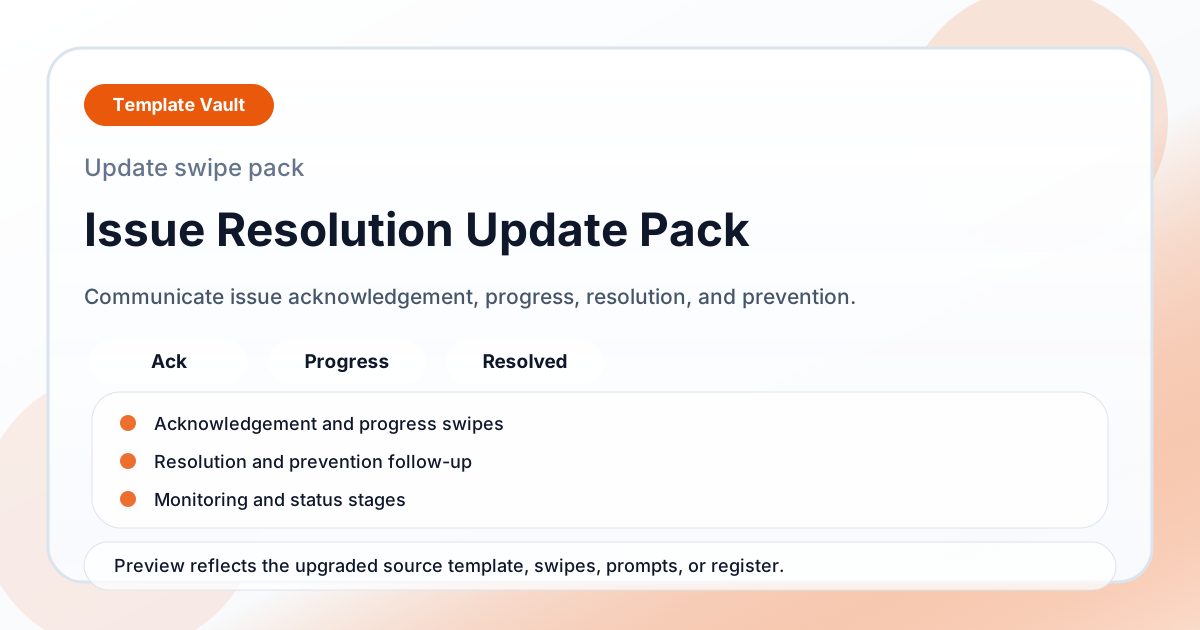
An issue resolution update pack for acknowledgements, progress notes, fixed notices, prevention follow-ups, and monitoring updates.