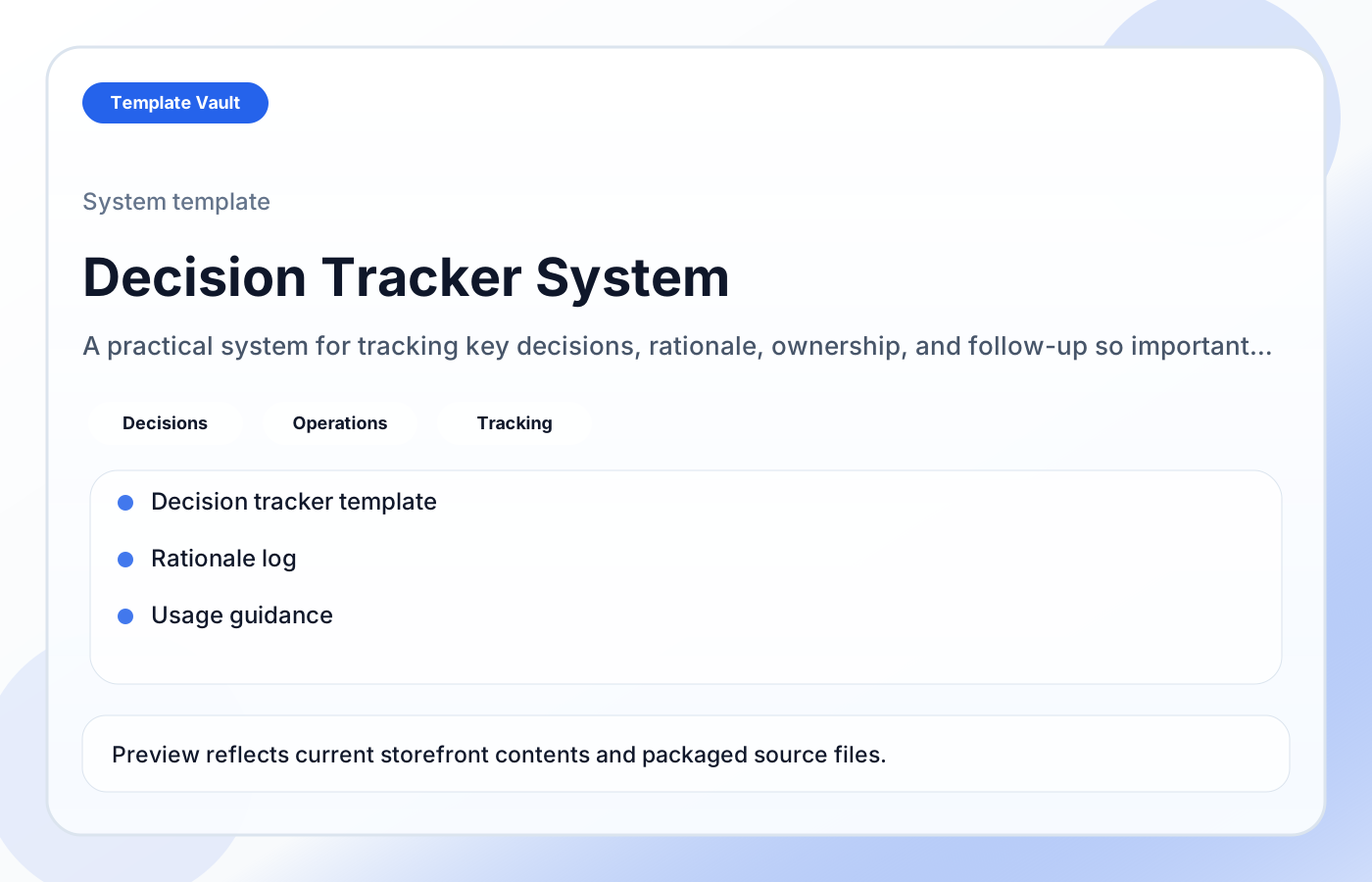
Preview 1: layout and workflow structure
Decision Tracker System helps founders, operators, and small teams keep important choices visible by recording what was decided, why it mattered, who owns it, and when it should be reviewed. It is designed to reduce repeated debate and context loss over time.
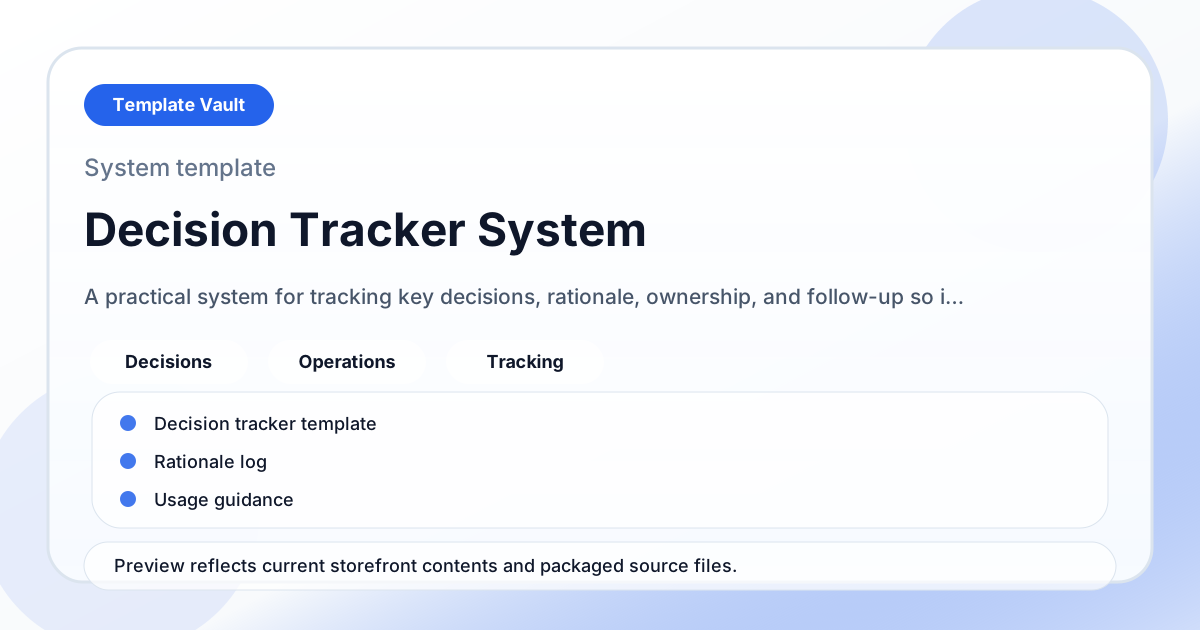
Preview assets show the structure, sections, and working style of the template before you request access.
Preview 1: layout and workflow structure
founders, operators, small teams
Turn a repeated operating workflow into one shared workspace instead of scattered documents.
Give clients, teammates, or collaborators a clearer source of truth for status, next steps, and decisions.
Adapt Decision Tracker System to fit your offer, audience, project rhythm, and preferred operating style.
Pair it with related vault assets when the workflow needs more than one template.
Step 1
Open the asset and review the included files or structure.
Step 2
Duplicate, edit, or customize it to fit your workflow.
Step 3
Deploy it immediately and refine it as you use it.
Request Template Vault access to get this asset and the rest of the member library.
Request access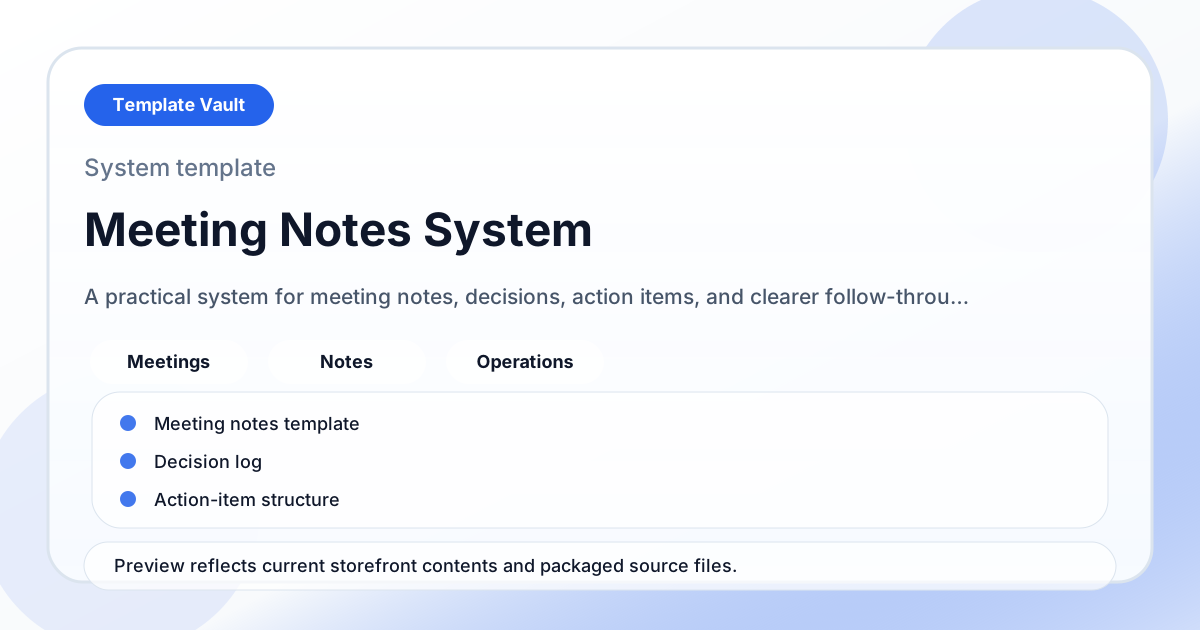
Notion Systems
A practical system for meeting notes, decisions, action items, and clearer follow-through after the conversation ends.
Notion Systems
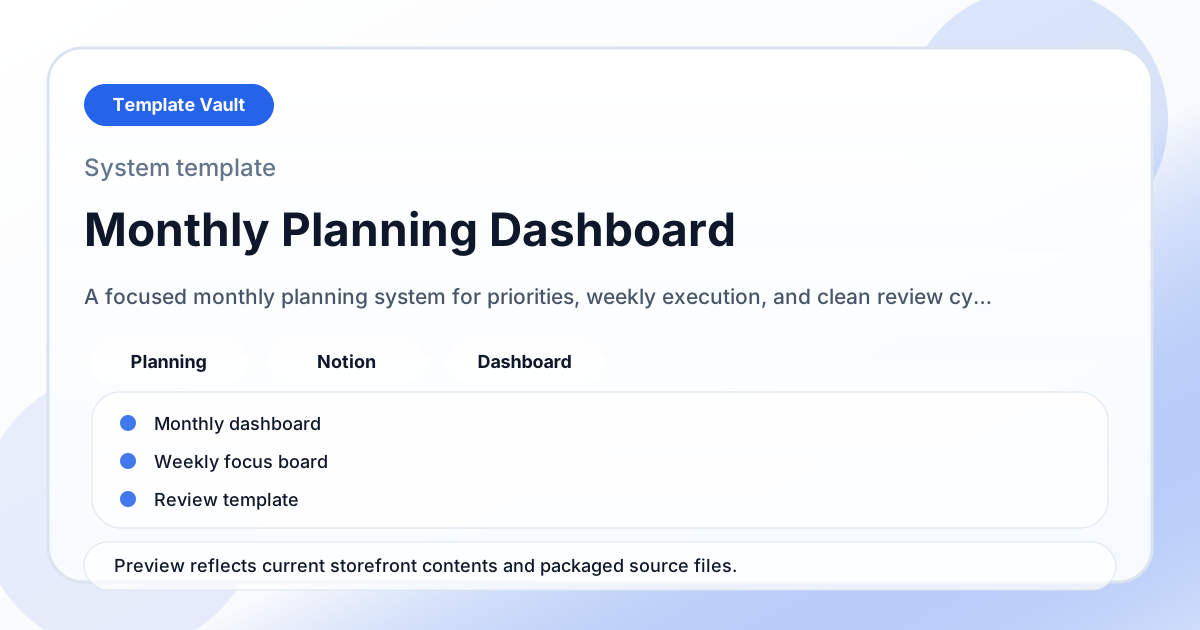
A focused monthly planning system for priorities, weekly execution, and clean review cycles.