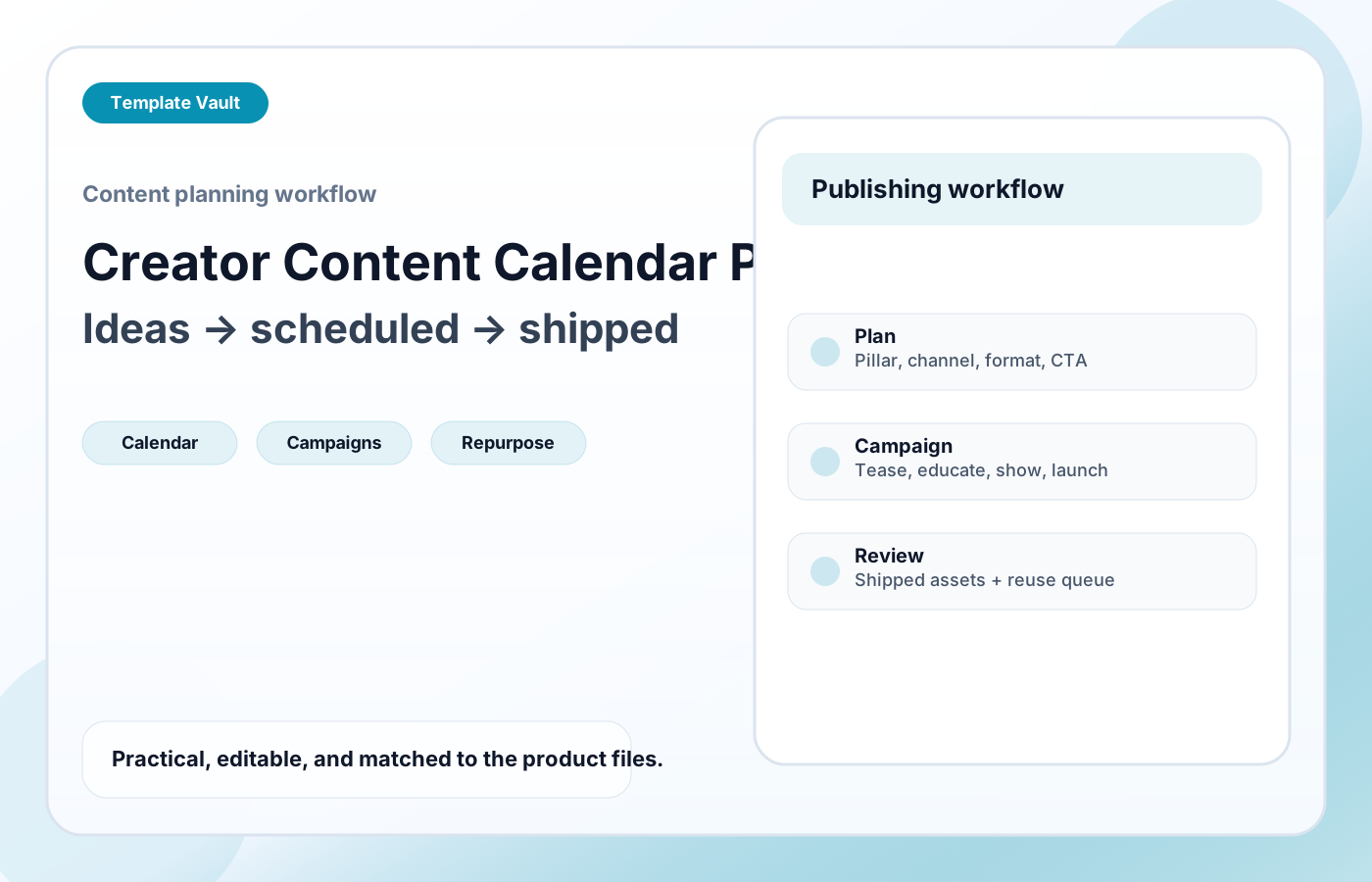
Preview 1: layout and workflow structure
Creator Content Calendar Pack helps creators, founders, and small marketing teams turn scattered content ideas into a repeatable publishing rhythm. It includes a practical calendar structure, production statuses, channel and format fields, funnel-role prompts, campaign planning sequence, repurposing cues, and review prompts so content planning stays connected to what actually ships.
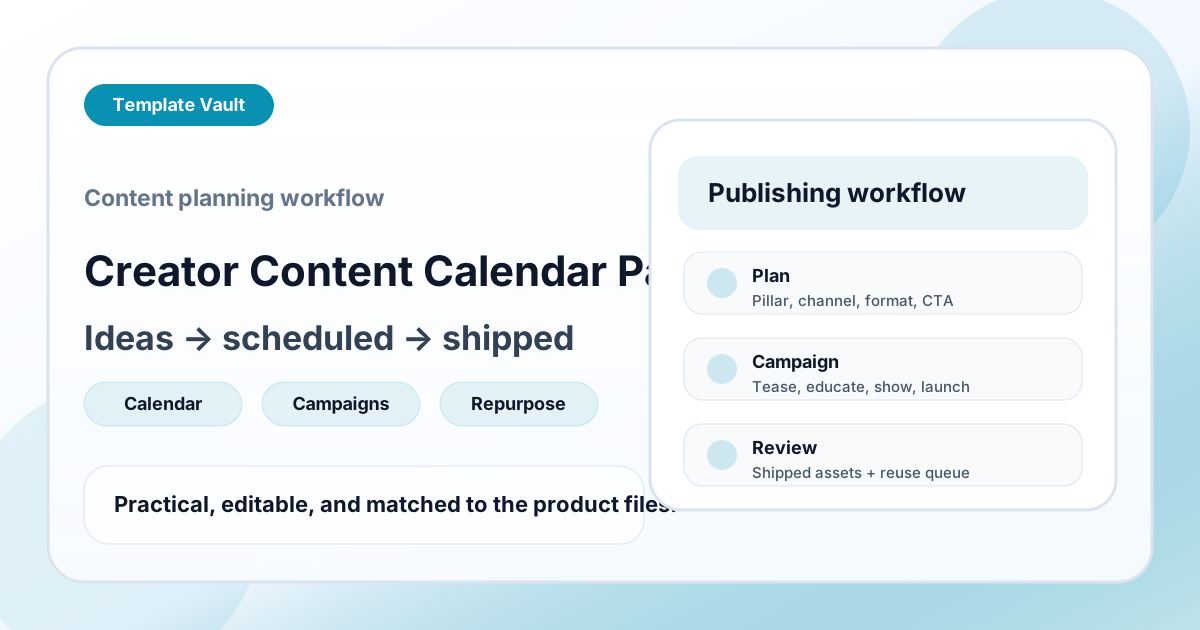
Preview assets show the structure, sections, and working style of the template before you request access.
Preview 1: layout and workflow structure
creators, small teams, marketers
Ship clearer campaign, update, announcement, or educational content without writing every piece from scratch.
Keep tone, structure, and calls to action consistent across repeated content workflows.
Adapt Creator Content Calendar Pack to fit your offer, audience, project rhythm, and preferred operating style.
Pair it with related vault assets when the workflow needs more than one template.
Step 1
Open the asset and review the included files or structure.
Step 2
Duplicate, edit, or customize it to fit your workflow.
Step 3
Deploy it immediately and refine it as you use it.
Request Template Vault access to get this asset and the rest of the member library.
Request access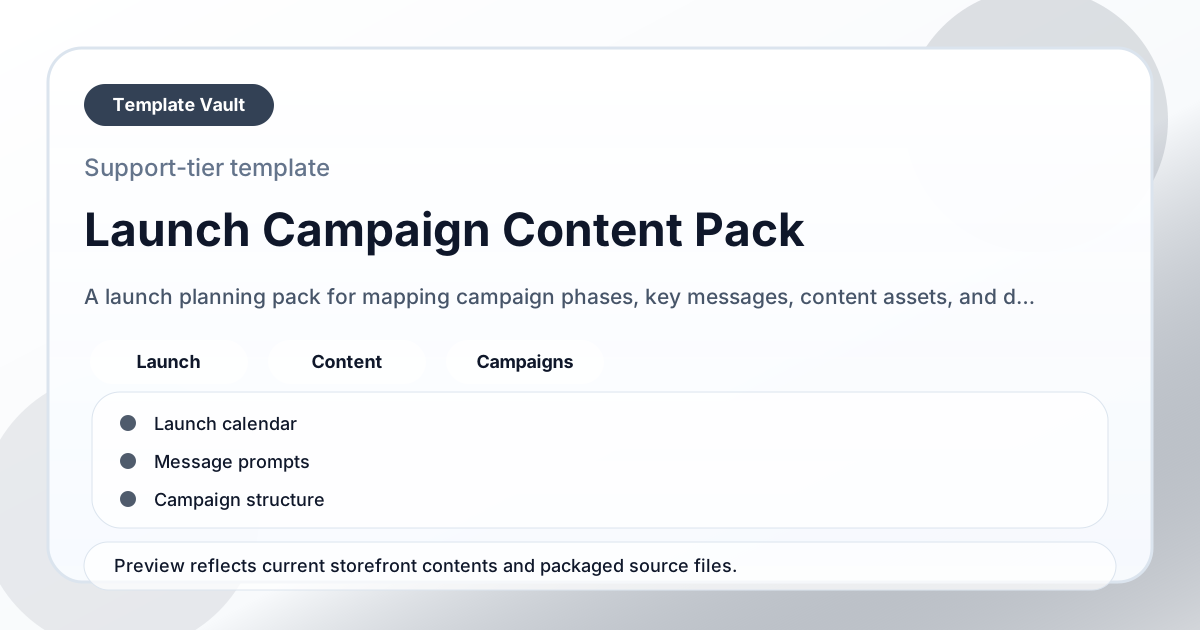
Content Packs
A launch planning pack for mapping campaign phases, key messages, content assets, and deadlines.
Prompts
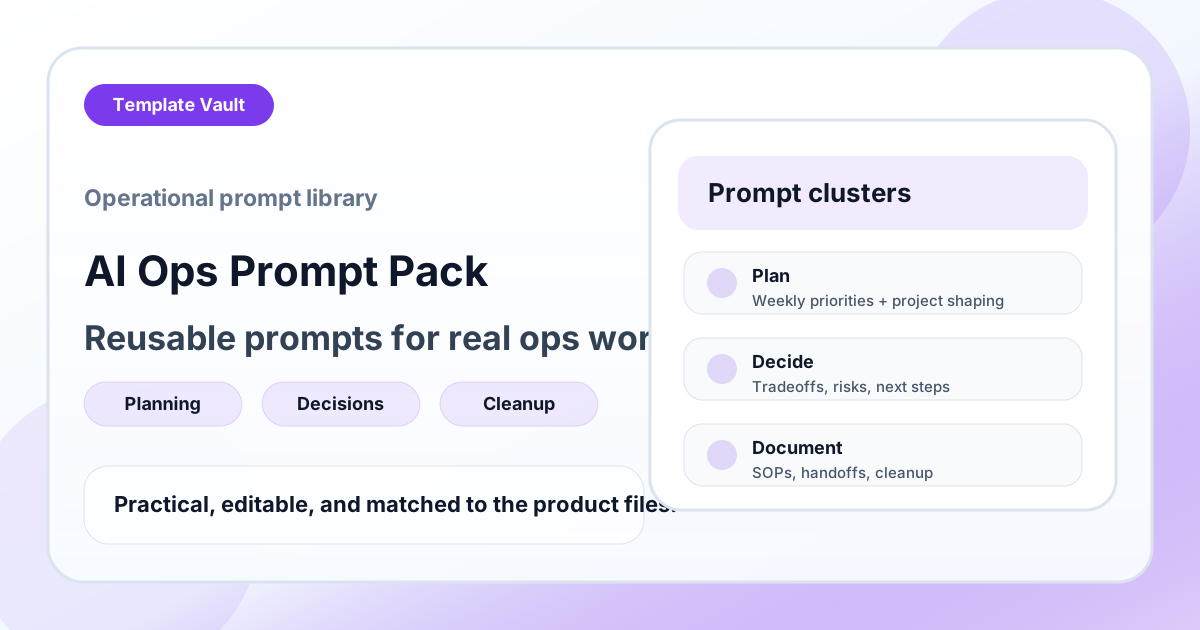
A reusable prompt library for planning, documentation, cleanup, decision support, research, and recurring operations work.