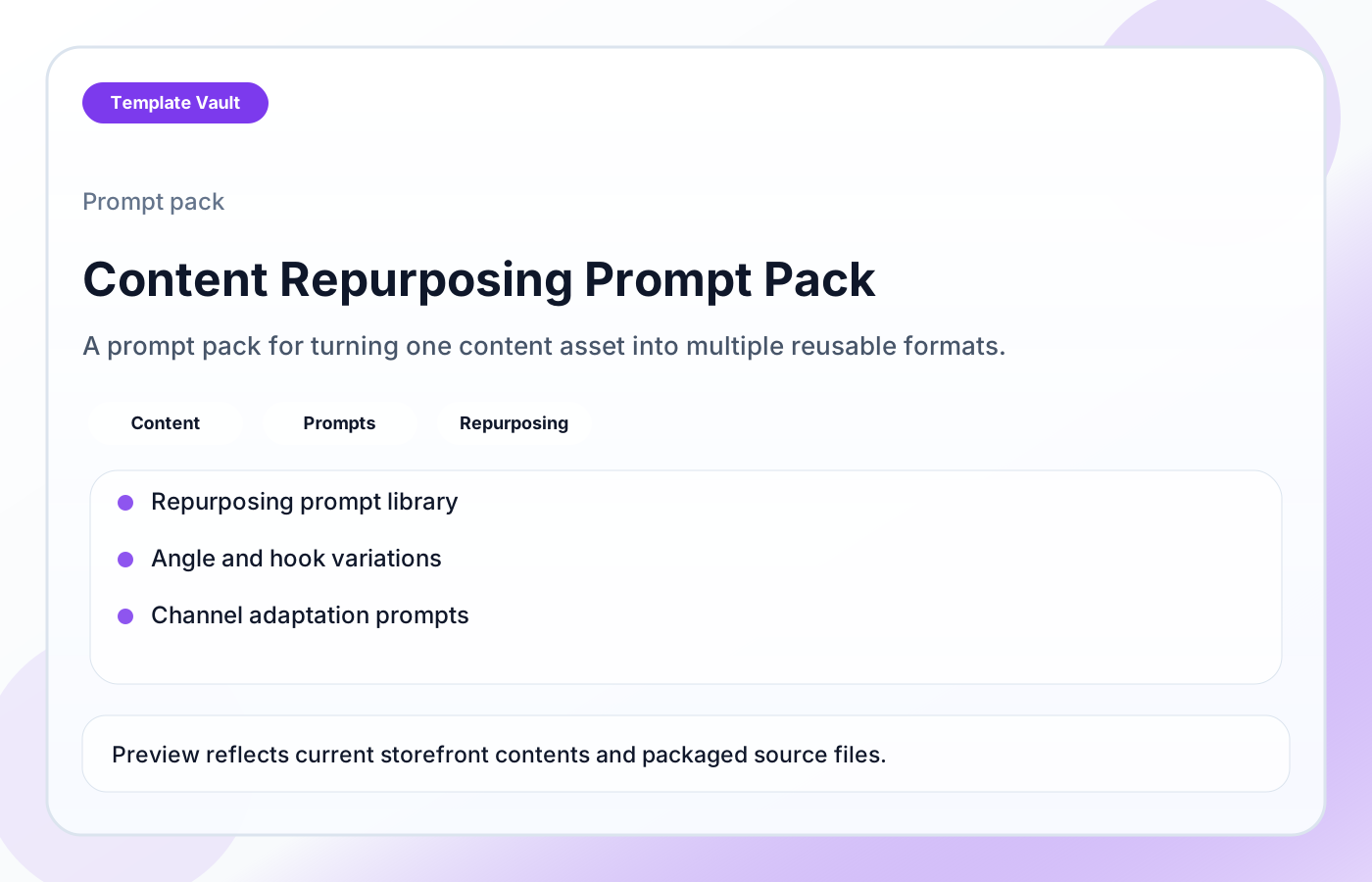
Preview 1: layout and workflow structure
Content Repurposing Prompt Pack helps creators, marketers, and small teams turn one strong idea into multiple usable assets without starting from a blank page each time. It includes structured prompts for extracting angles, adapting tone by channel, creating short-form variations, and turning longer material into email, social, outline, and campaign-friendly formats. Use it when you already have a blog post, video, newsletter, podcast, webinar, or launch asset and need a practical path for extending its value across the channels you actually use.
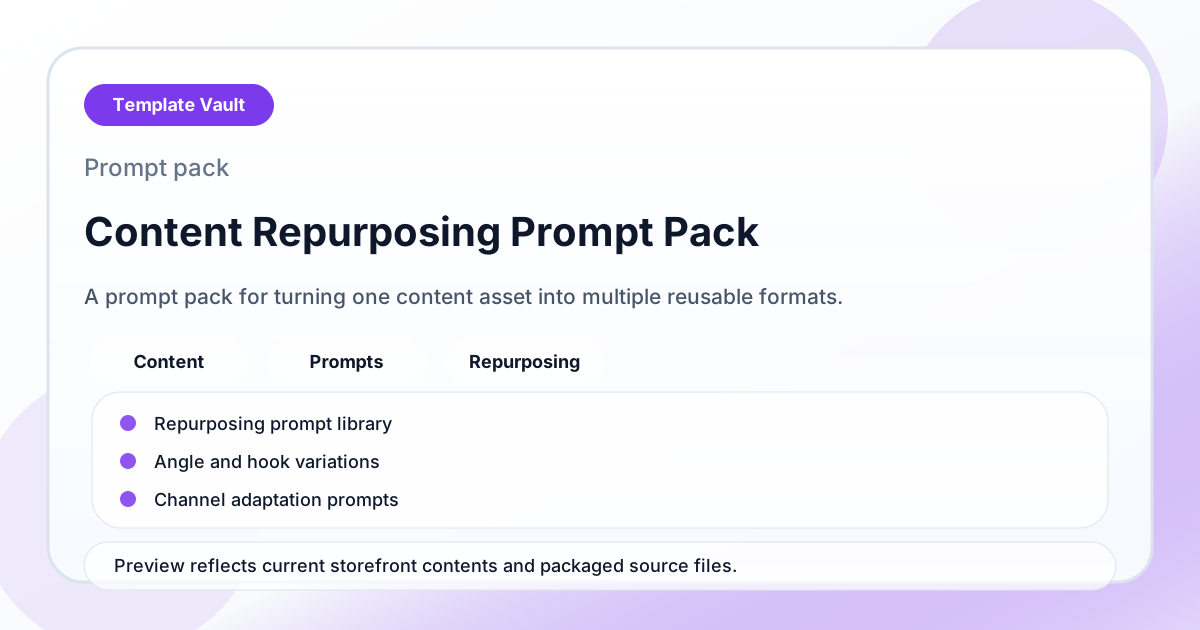
Preview assets show the structure, sections, and working style of the template before you request access.
Preview 1: layout and workflow structure
creators, marketers, small teams
Use the prompt set to move faster through strategy, research, messaging, or review work without starting from a blank chat.
Standardize how you ask for first drafts, critique, options, and next-step recommendations.
Adapt Content Repurposing Prompt Pack to fit your offer, audience, project rhythm, and preferred operating style.
Pair it with related vault assets when the workflow needs more than one template.
Step 1
Open the asset and review the included files or structure.
Step 2
Duplicate, edit, or customize it to fit your workflow.
Step 3
Deploy it immediately and refine it as you use it.
Request Template Vault access to get this asset and the rest of the member library.
Request access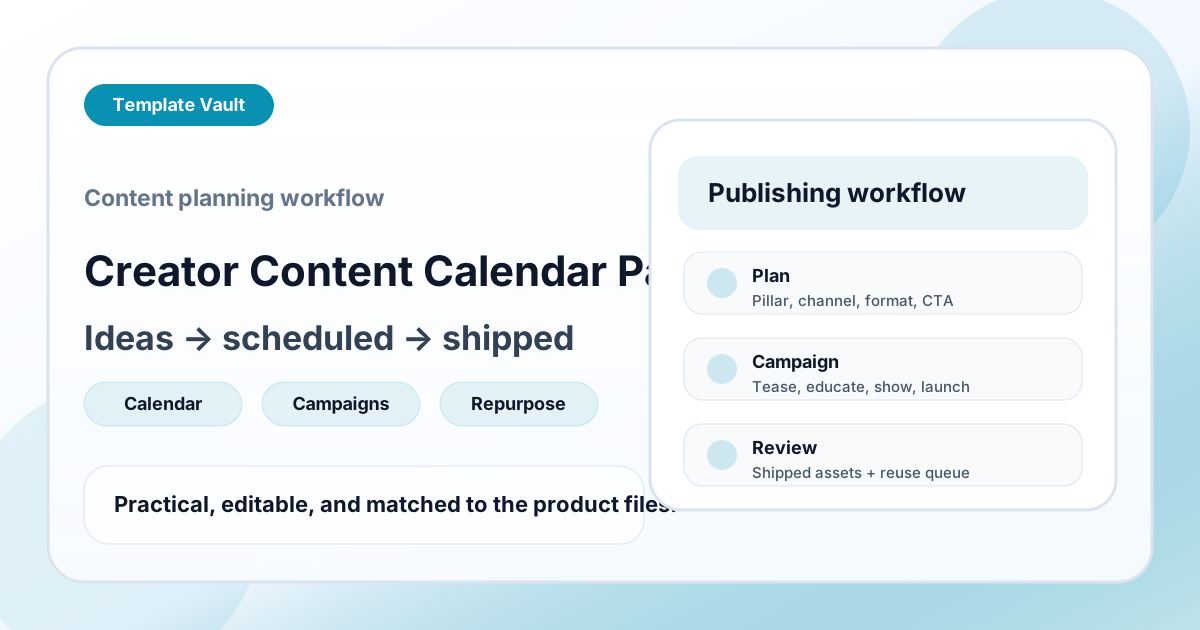
Content Packs
A content planning workflow for turning raw ideas into scheduled posts, campaign assets, and reusable follow-up formats.
Content Packs
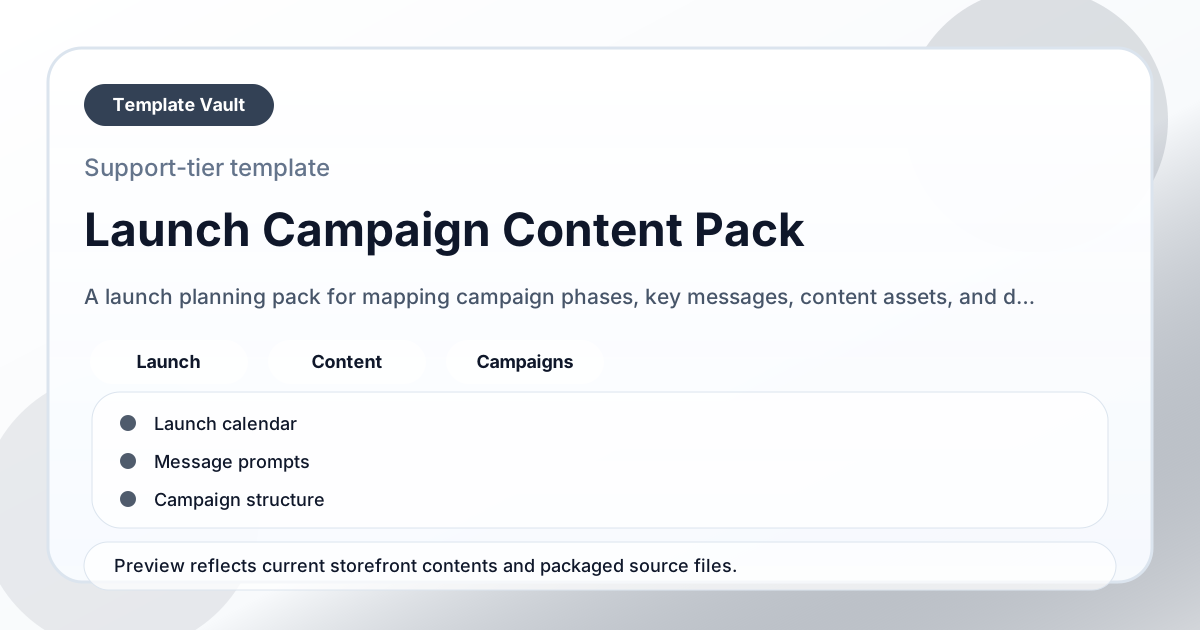
A launch planning pack for mapping campaign phases, key messages, content assets, and deadlines.