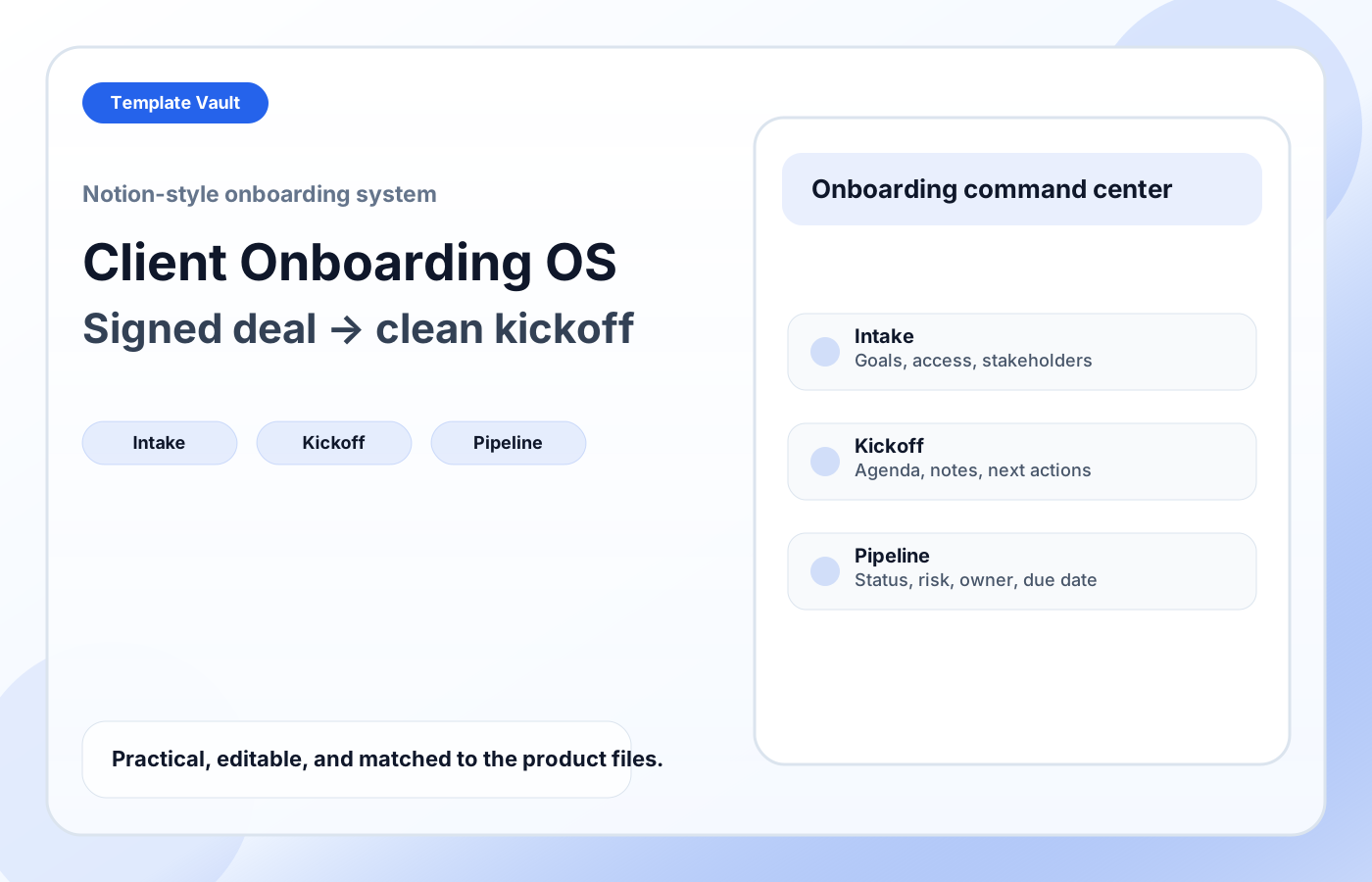
Preview 1: layout and workflow structure
Client Onboarding OS gives freelancers, consultants, and agencies a cleaner way to handle the messy handoff between sale and delivery. It combines client intake, access and asset tracking, kickoff prep, post-kickoff notes, status stages, risk levels, and client records so new projects start with clearer ownership and fewer loose ends.
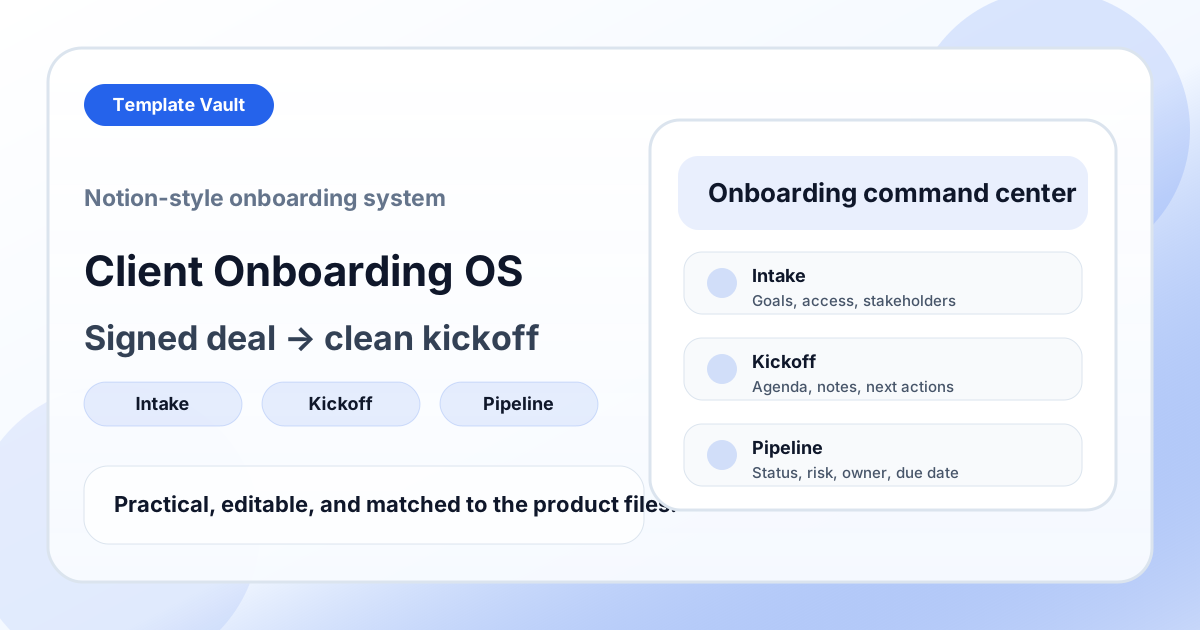
Preview assets show the structure, sections, and working style of the template before you request access.
Preview 1: layout and workflow structure
freelancers, agencies, consultants
Turn a repeated operating workflow into one shared workspace instead of scattered documents.
Give clients, teammates, or collaborators a clearer source of truth for status, next steps, and decisions.
Adapt Client Onboarding OS to fit your offer, audience, project rhythm, and preferred operating style.
Pair it with related vault assets when the workflow needs more than one template.
Step 1
Open the asset and review the included files or structure.
Step 2
Duplicate, edit, or customize it to fit your workflow.
Step 3
Deploy it immediately and refine it as you use it.
Request Template Vault access to get this asset and the rest of the member library.
Request access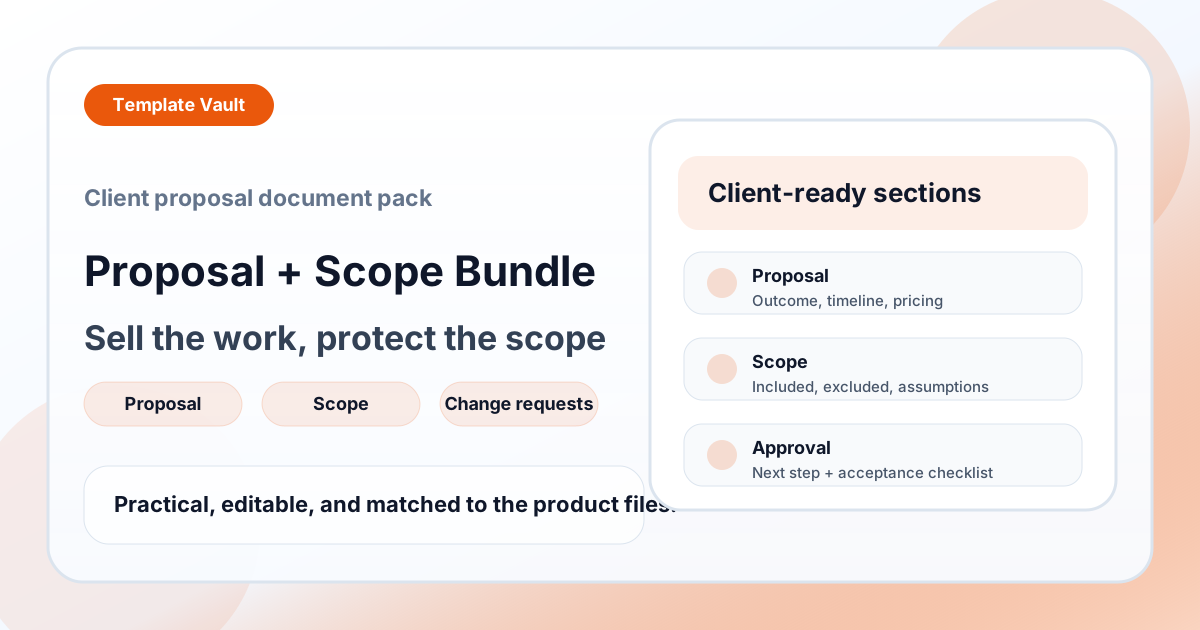
Contracts
A client document bundle for clearer proposals, scope boundaries, assumptions, revisions, and approval steps.
Contracts
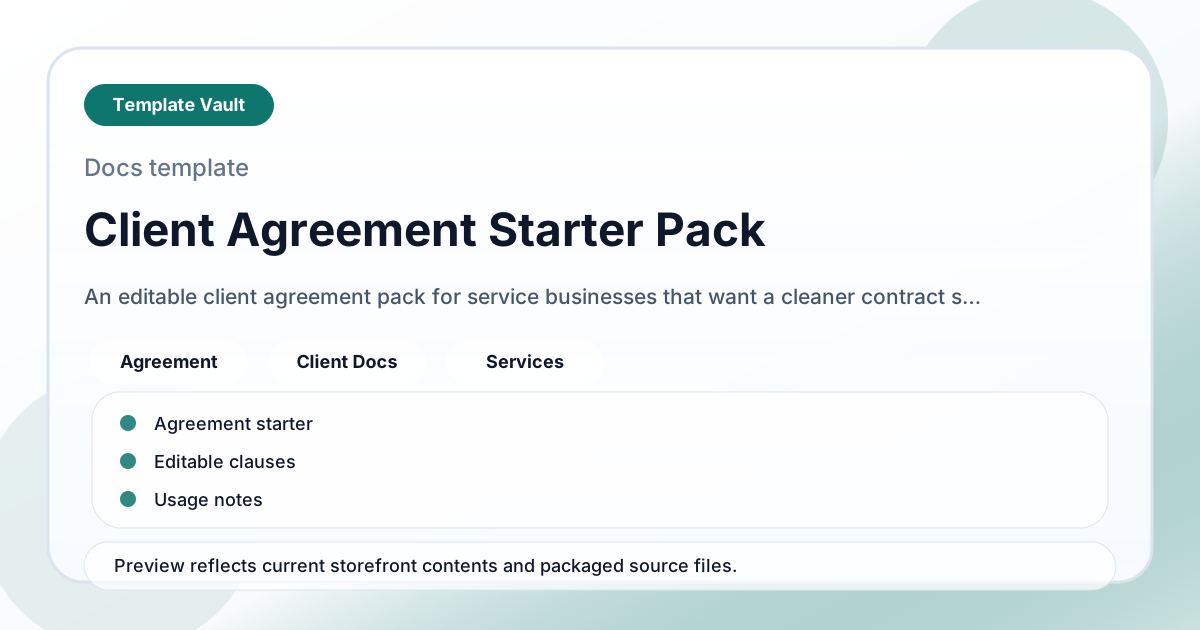
An editable client agreement pack for service businesses that want a cleaner contract starting point.